# Chapter 3: Setup and Configuration of My Dashboard
# Prerequisites for this Module
[](https://signature.signifyhr.co.za/uploads/images/gallery/2025-02/emW3hfMrZ1yIDMUv-signify-header.png)
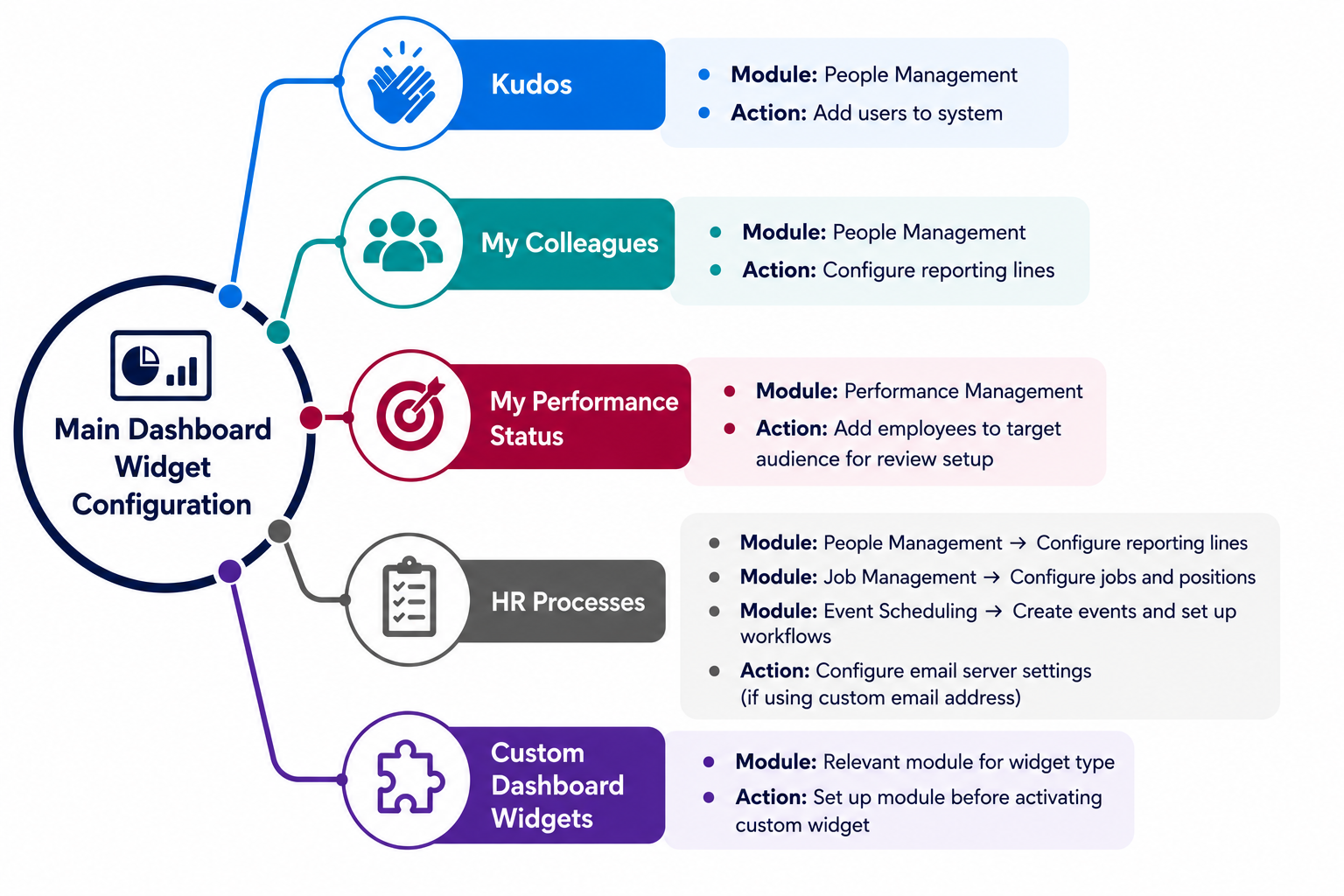
Before configuring the widgets on the **Main** **Dashboard,** several modules must be implemented for them to function correctly.
- **Kudos**
- - Requires the **People Management** module in order to send and receive kudos.
- **"My Colleagues" widget**
- - Requires the **People Management** module, particularly the **reporting lines,** to extract valuable insights into the organisational structure.
- **"My Performance Status" widget**
- - Requires the **Performance Management** module in order to view the performance status.
- Employees must be added to the target audience for a review setup to use this widget.
- **"HR Processes" widget**
- - Requires the **People Management** module, particularly the **reporting lines,** to be configured.
- The **Job Management** module must be configured to submit and approve new position requests.
- The **Event Scheduling** module is required for submitting and approving event requests.
- If emails should be sent from a custom email address and domain (i.e., not noreply@signify.co.za), the **email server settings** should be configured in advance.
- **Custom dashboard widgets**
- - Depending on the type of widget created, the corresponding module should be set up before activating the custom widget.
[](https://signature.signifyhr.co.za/uploads/images/gallery/2026-08/E21Y6KnLEy020xJb-dash-main-dashboard-widget-requirements-per-widget.png)
[](https://signature.signifyhr.co.za/uploads/images/gallery/2025-02/ZOt8yZwhbiGx2d6U-signify-footer.png)
# Main Dashboard Implementation Guide
[](https://signature.signifyhr.co.za/uploads/images/gallery/2026-07/iolgpvGaxmdUkNih-signify-under-construction.png)