# Recruitment/Requisition via BOT
### Master data
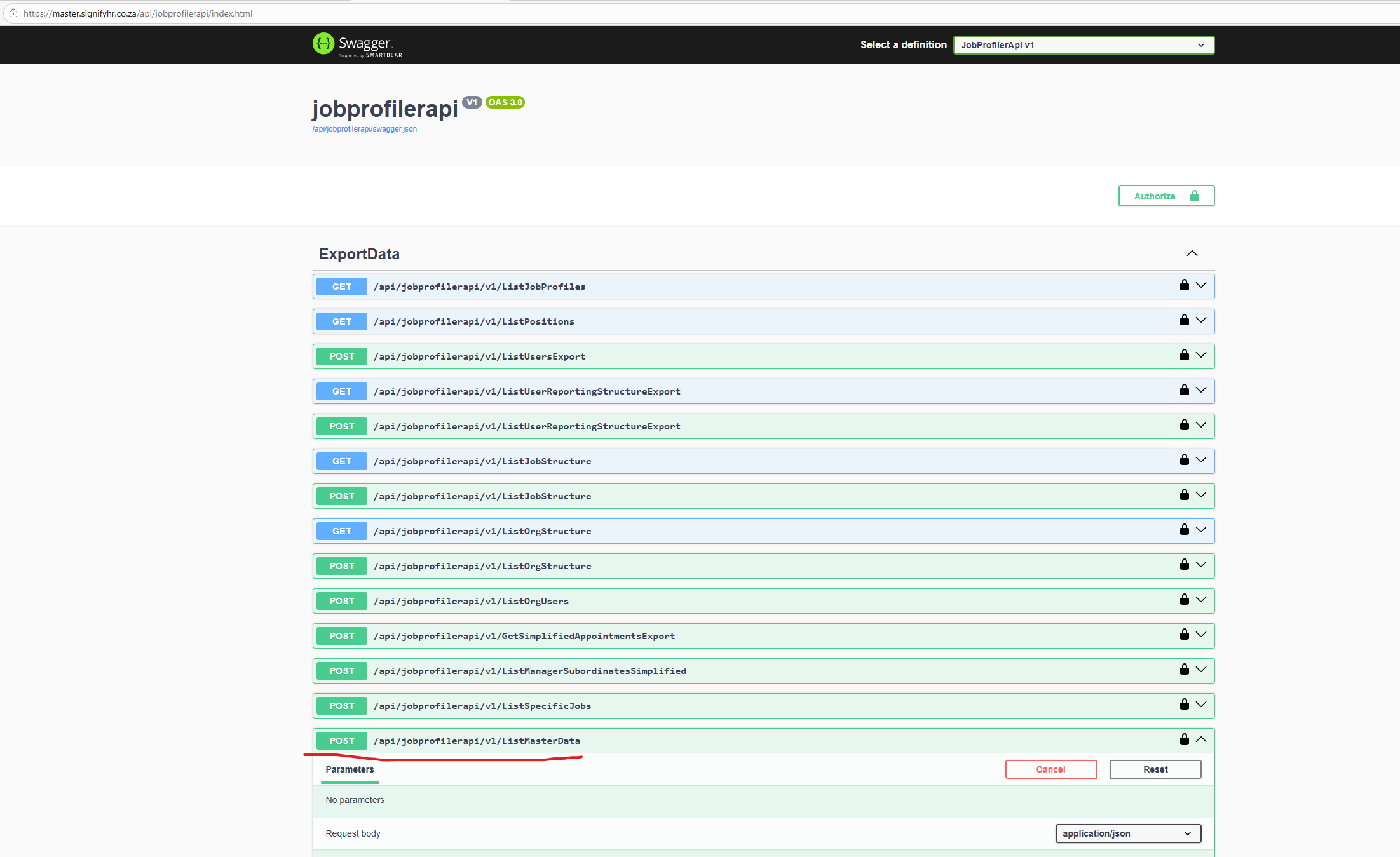
In order to retrieve various master data types from the api, which can be used from the BOT, the following endpoint is available:
**POST - {liveURL}/api/jobprofilerapi/v1/ListMasterData**
[](https://signature.signifyhr.co.za/uploads/images/gallery/2026-03/WUdaecKZUm2RKBwD-image.png)
***Swagger:* {liveURL}/api/jobprofilerapi/index.html**
#### Example request (POST)
```json
{
"type": "AppointmentTypesDto"
}
```
OR
```json
{
"type": "AppointmentTypesDto",
"conditions": [
{
"field": "Name",
"value": "Contract",
"operator": 0
}
]
}
```
(Note - Sent in the body of the request)
#### Example response
```json
{
"data": [
{
"Id": 10013,
"Name": "Contract",
"DisplayOrder": 1,
"Active": true,
"Default": false
},
{
"Id": 10012,
"Name": "Permanent",
"DisplayOrder": 2,
"Active": true,
"Default": false
},
{
"Id": 10014,
"Name": "Probation",
"DisplayOrder": 3,
"Active": true,
"Default": false
}
]
}
```
#### Type
The type is the master data type, and the following type are supported:
```c#
VacancyReasons,
AppointmentTypesDTO(int Id, string Name, int DisplayOrder, bool Active, bool Default);
MaritalStatusDTO(int Id, string Name, string Description, int DisplayOrder, bool Active, bool Default);
HomeLanguageDTO(int Id, string Name, int DisplayOrder, bool Active, bool Default);
GenderDTO(int Id, string Name, int DisplayOrder, bool Active, bool Default);
DisabilitiesDTO(int Id, string Name, int DisplayOrder, bool Active, bool Default);
CitizenshipDTO(int Id, string Name, int DisplayOrder, bool Active, bool Default);
RaceDTO(int Id, string Name, int DisplayOrder, bool Active, bool Default);
RelationshipDTO(int Id, string Name, int DisplayOrder, bool Active, bool Default);
TitleDTO(int Id, string Name, string Description, int DisplayOrder, bool Active, bool Default);
TerminationReasonsDTO(int Id, string Name, bool Active, bool Default, int DisplayOrder);
PermitTypePreview(int Id, string Name, bool Active);
AssetTypePreview(int Id, string Name, bool Active);
AssetItemPreview(int Id, string Name, bool Active);
DisciplinaryTransgressionsDTO(int Id, string Name, bool Active);
DisciplinaryActionOutcomesDTO(int Id, string Name, bool Active);
CountryDto(int Id, string Name, string Code, bool Active);
CurrencyDto(int Id, string Name, bool Active);
ProvinceDto(
int Id,
string Name,
int CountryId,
[property: Attributes.MasterDataReferencedColumn("CountryId")]
string? CountryName);
LocationDto(
int Id,
string Name,
string? FloorNumber,
string? Building,
string? ComplexName,
string? StreetNumber,
string? StreetName,
string? Suburb,
string? City,
string? PostalCode,
int? CountryId,
[property: Attributes.MasterDataReferencedColumn("CountryId")]
string? CountryName,
int? ProvinceId,
[property: Attributes.MasterDataReferencedColumn("ProvinceId")]
string? ProvinceName
);
```
Type must match text above exactly
#### Conditions
```json
{
"type": "AppointmentTypesDto",
"conditions": [
{
"field": "Name",
"value": "Contract",
"operator": 0
}
]
}
```
Notice the **"conditions"** section. **"field"** is a field returned by the API. From example above we see Id, Name, DisplayOrder, Active and Default fields.
**"value"**, is the condition value which can be anything and the data will be evaluated against this.
**"operator",** is basically the condition type. See the types below:
```c#
Equal = 0,
NotEqual = 1,
GreaterThan = 2,
GreaterThanOrEqual = 3,
LessThan = 4,
LessThanOrEqual = 5,
Like = 6,
NotLike = 7,
In = 8,
NotIn = 9,
IsNull = 10,
IsNotNull = 11
```
##### Examples,
```json
{
"type": "AppointmentTypesDto",
"conditions": [
{
"field": "Name",
"value": "Contract",
"operator": 0
}
]
}
```
Operator = 0 (Equal), means get all appointment types where the name is exactly equal to "Contract"
```json
{
"type": "AppointmentTypesDto",
"conditions": [
{
"field": "Name",
"value": "con",
"operator": 6
}
]
}
```
Operator = 6 (Like), means retrieve all appointment types where the name contains or "is like", "con". Like can be seen as a general search essentially.
Conditions are optional
Note, data is automatically filtered to the **Ruleset Id**, which is retrieved from the access or authorization token which is sent with the master data API request.