Skip to main content
Add a Target Audience

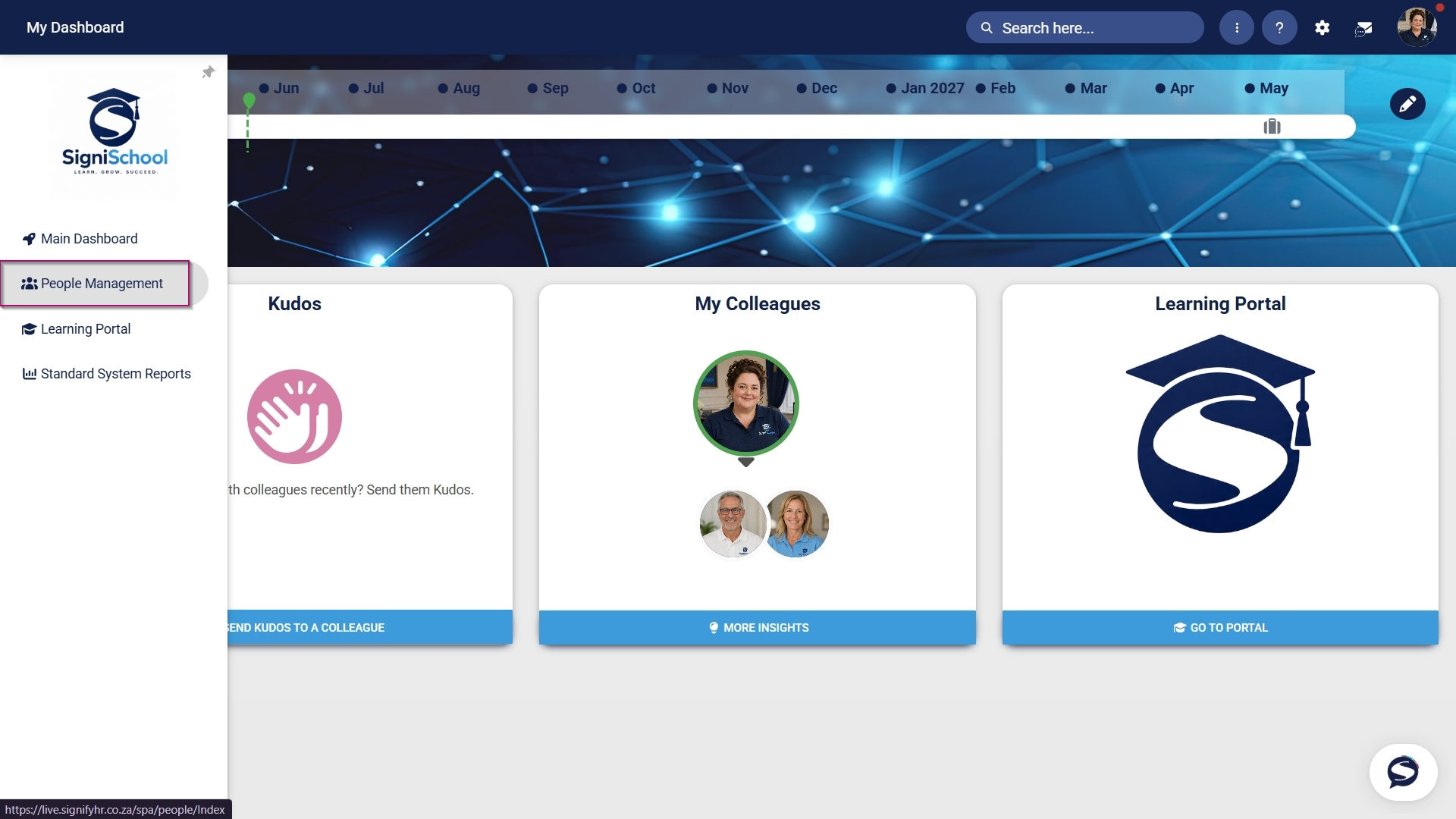
Hover over the sidebar menu, then click Learning Portal.
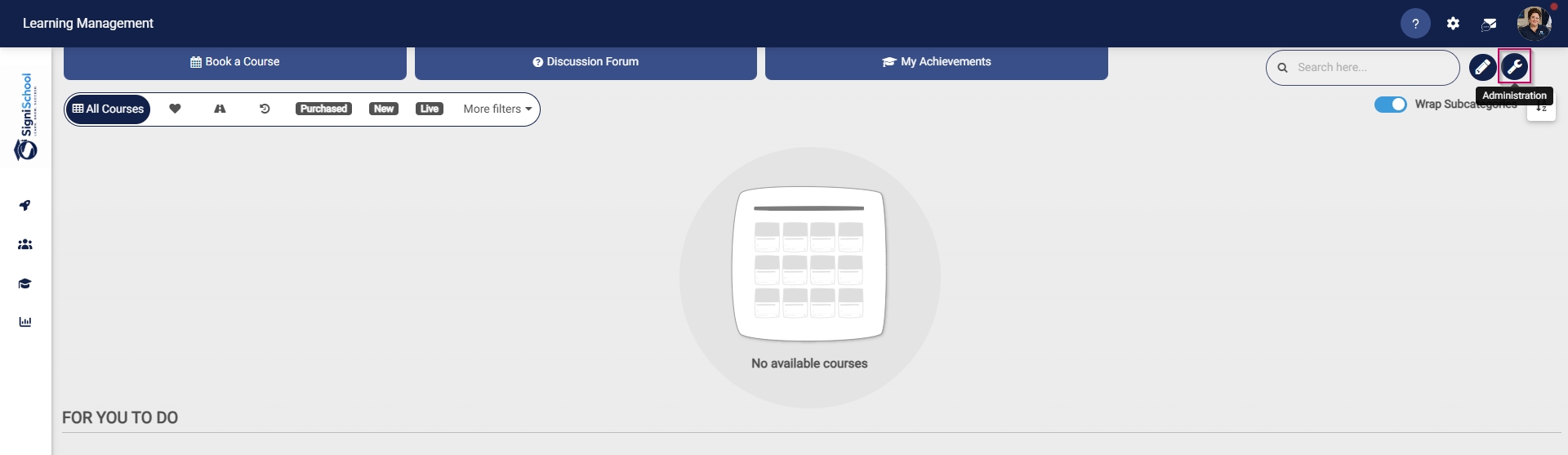
Click the spanner icon to access the system's Administration menu.
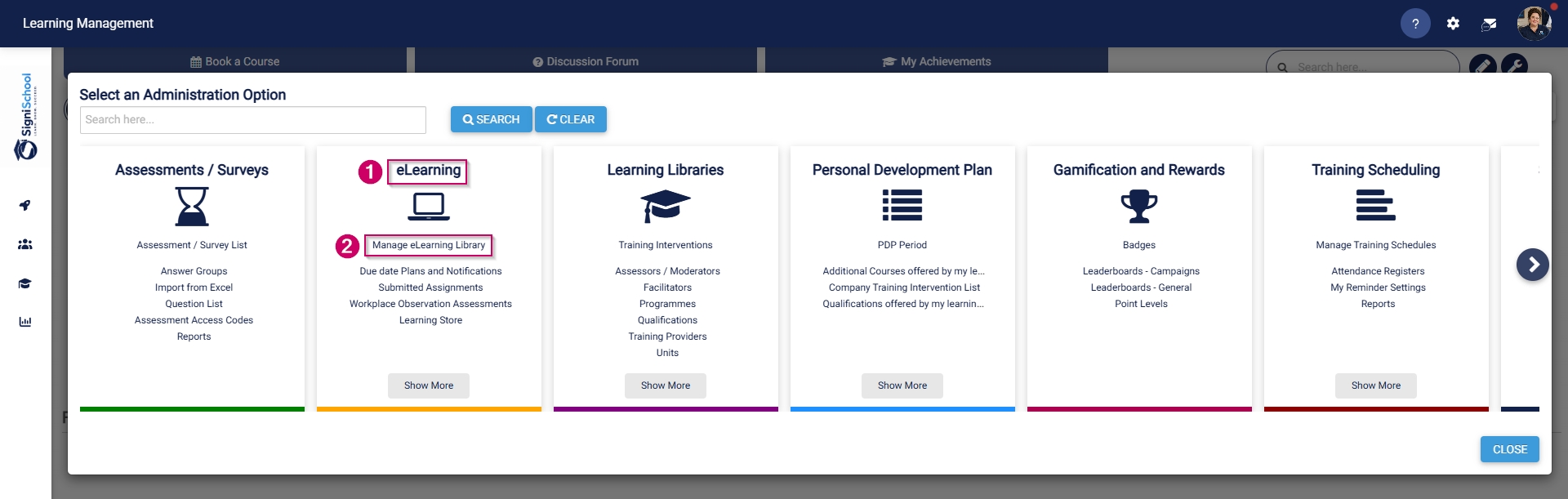
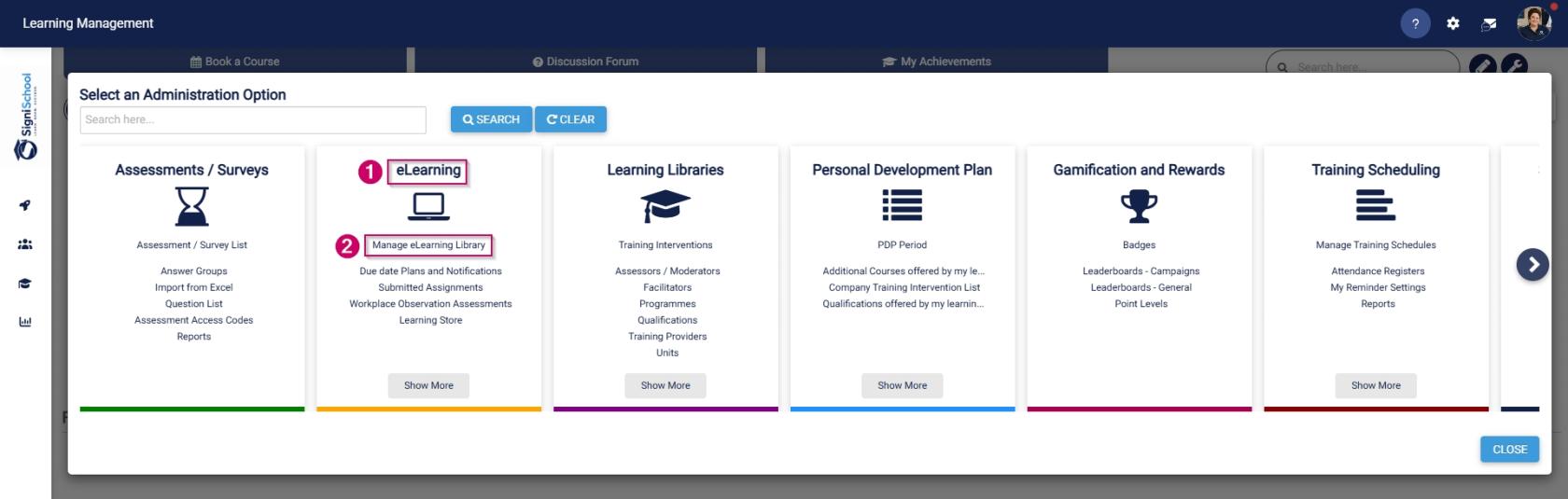
On the eLearning card, click Manage eLearning Library.
The Pathways Tree View screen will open in a new tab.
Navigate to the pathway you would like to add a target audience for.
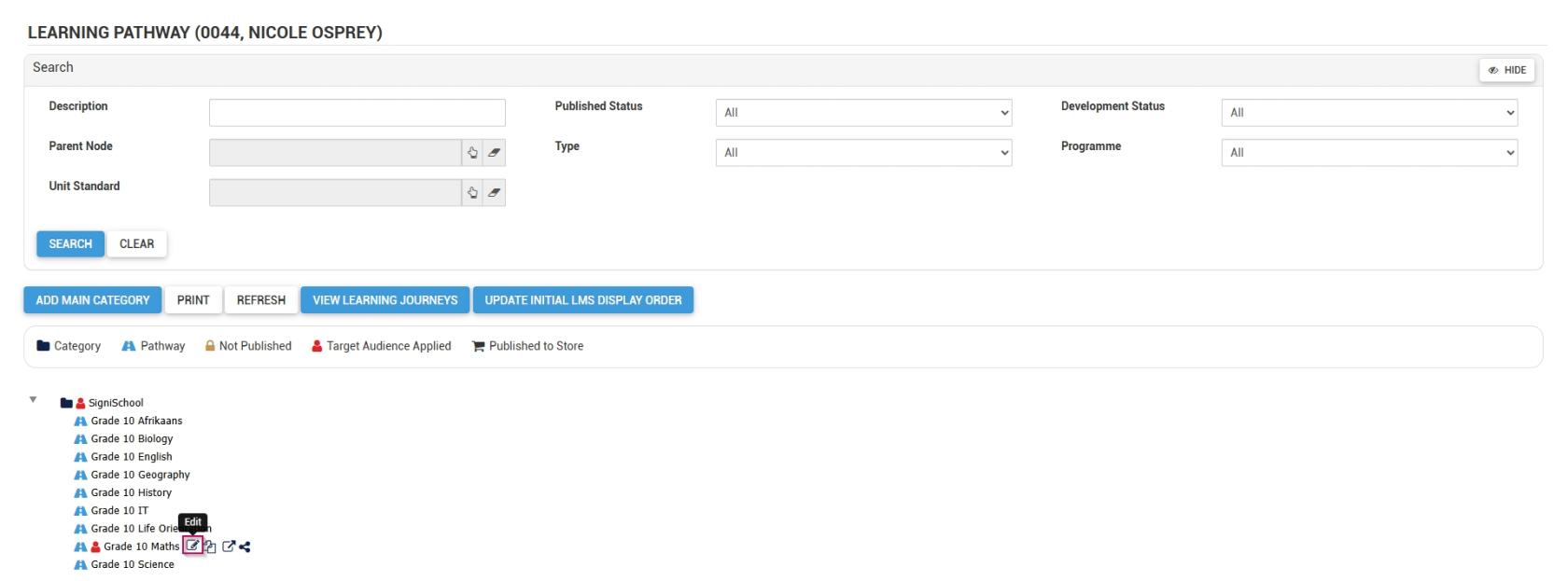
Go to the TARGET AUDIENCE tab.
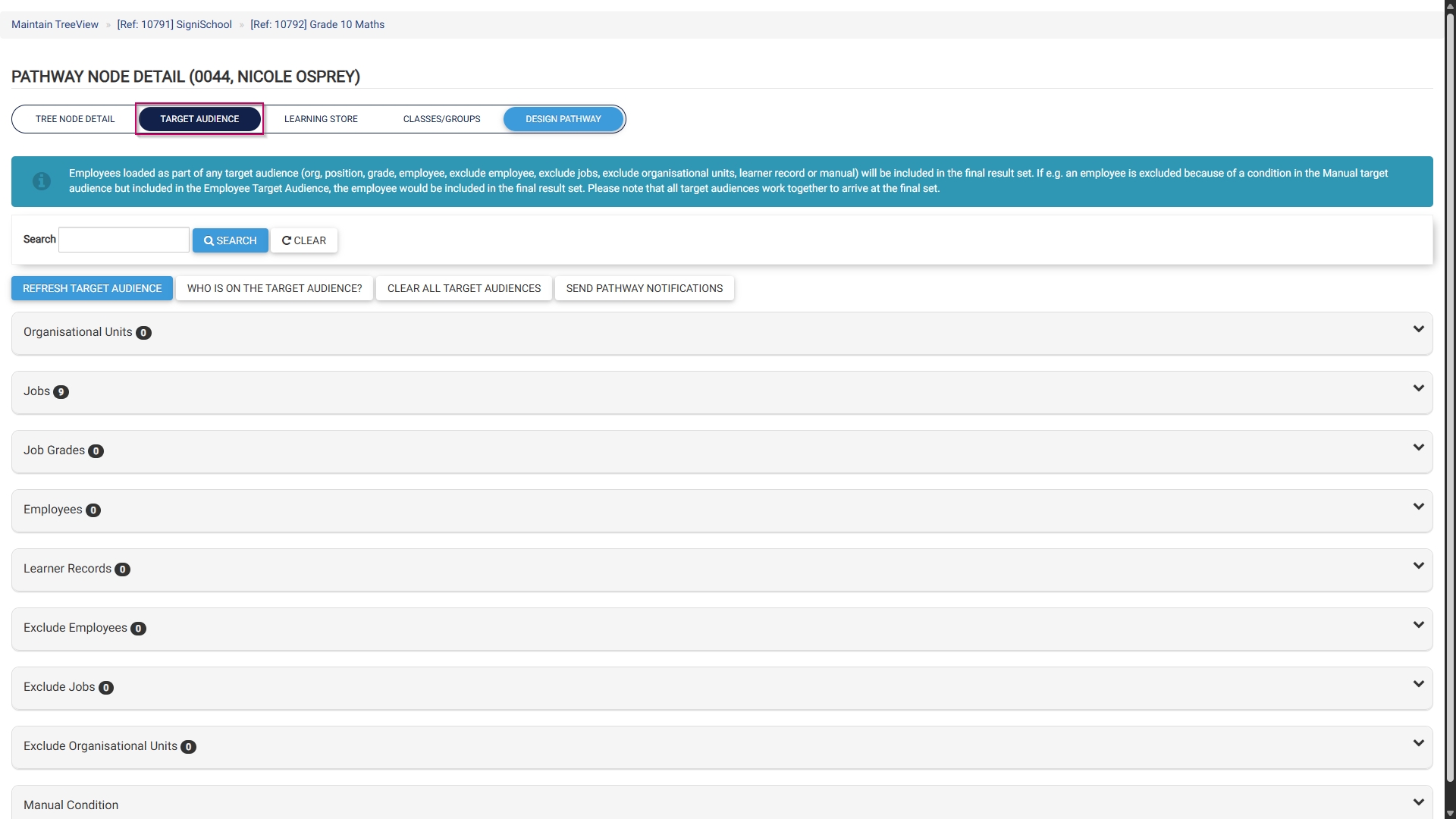
Add a target audience based on one (or a combination of) the following conditions:
Organisational units
Jobs
Job grades
Employees
Learner records
Excluded employees
Excluded jobs
Excluded organisational units
Manual conditions