Skip to main content
Create a Cycle

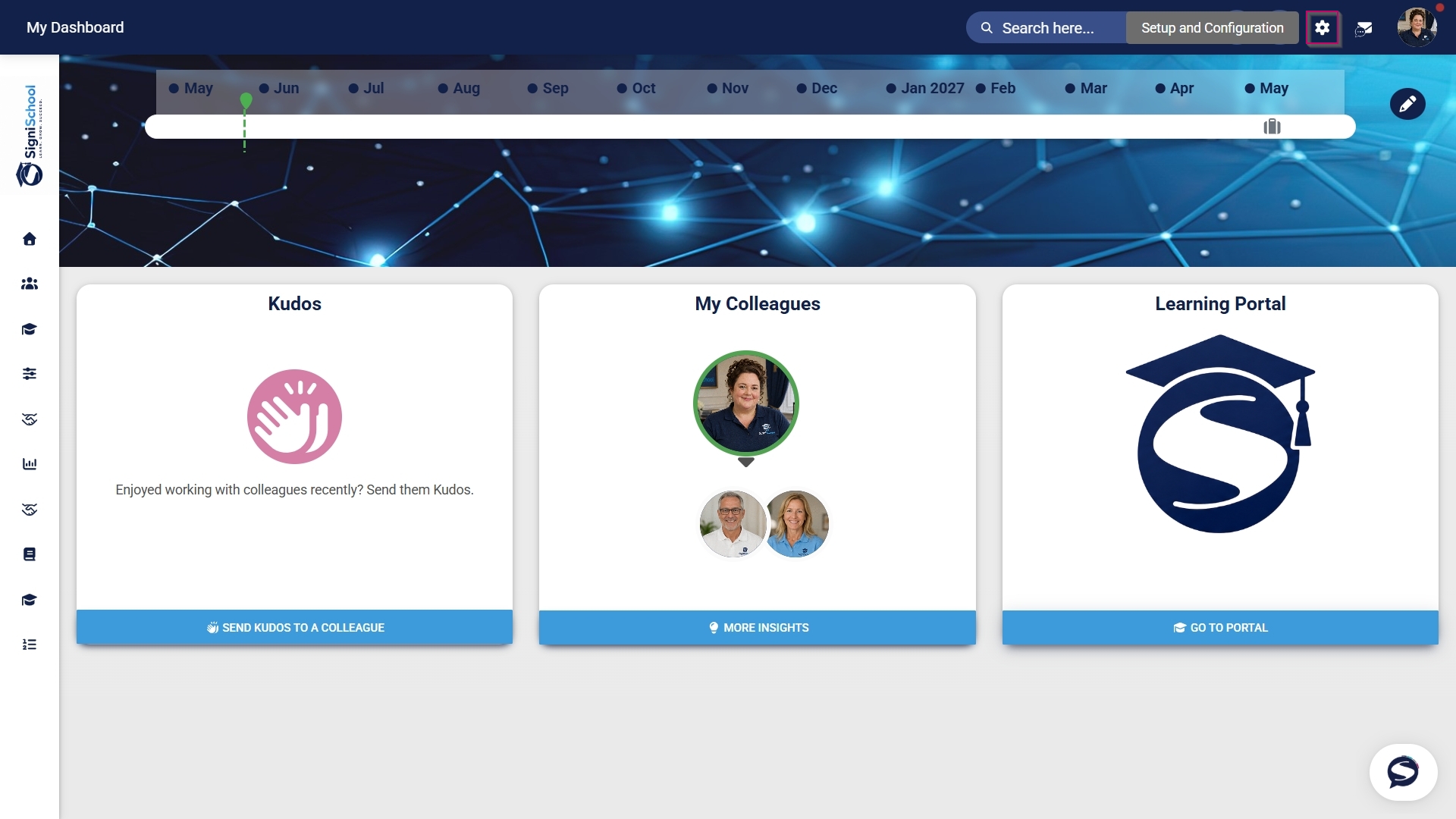
Click the gear icon to access the Setup and Configuration menu.
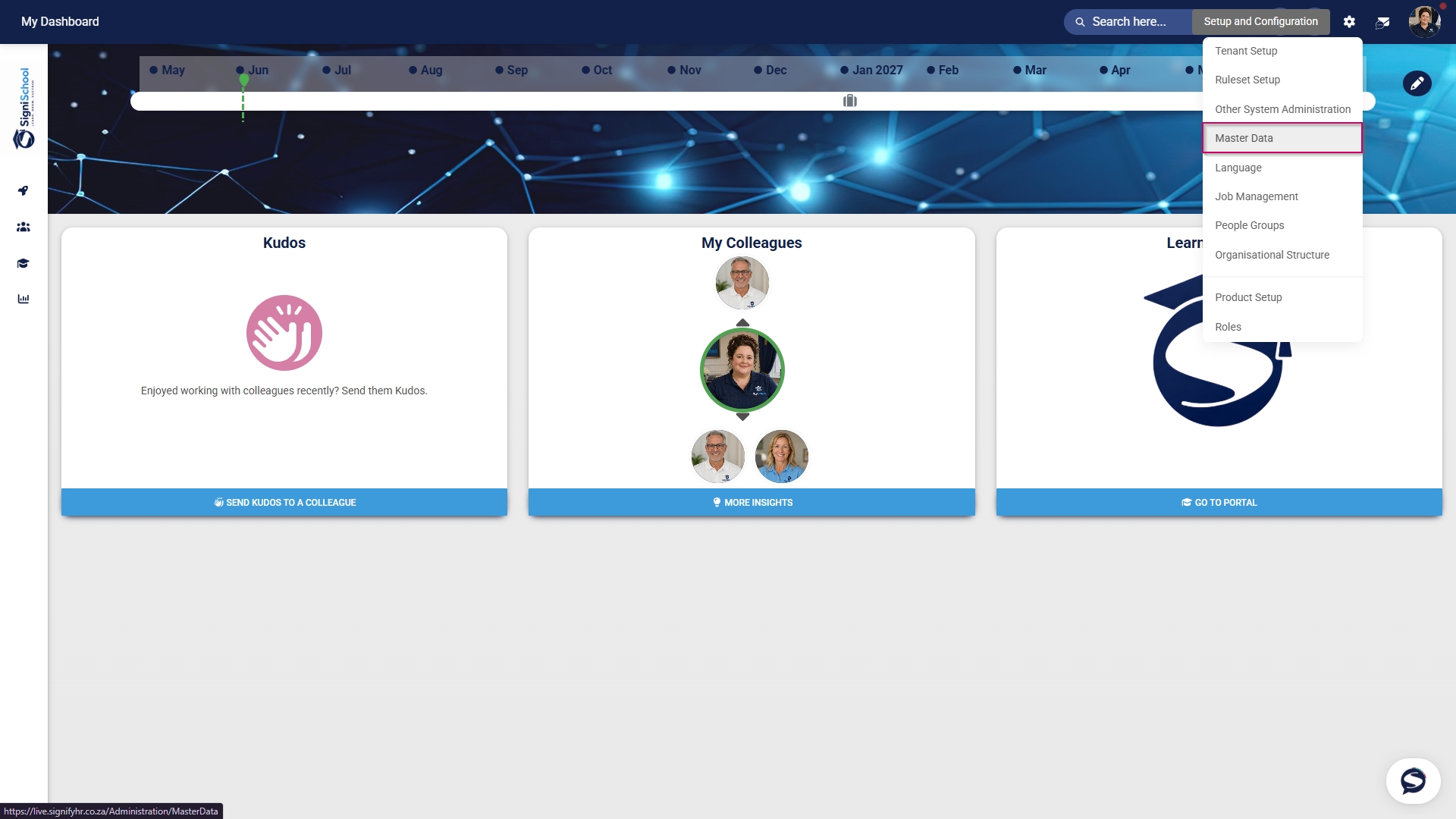
Click Master Data.
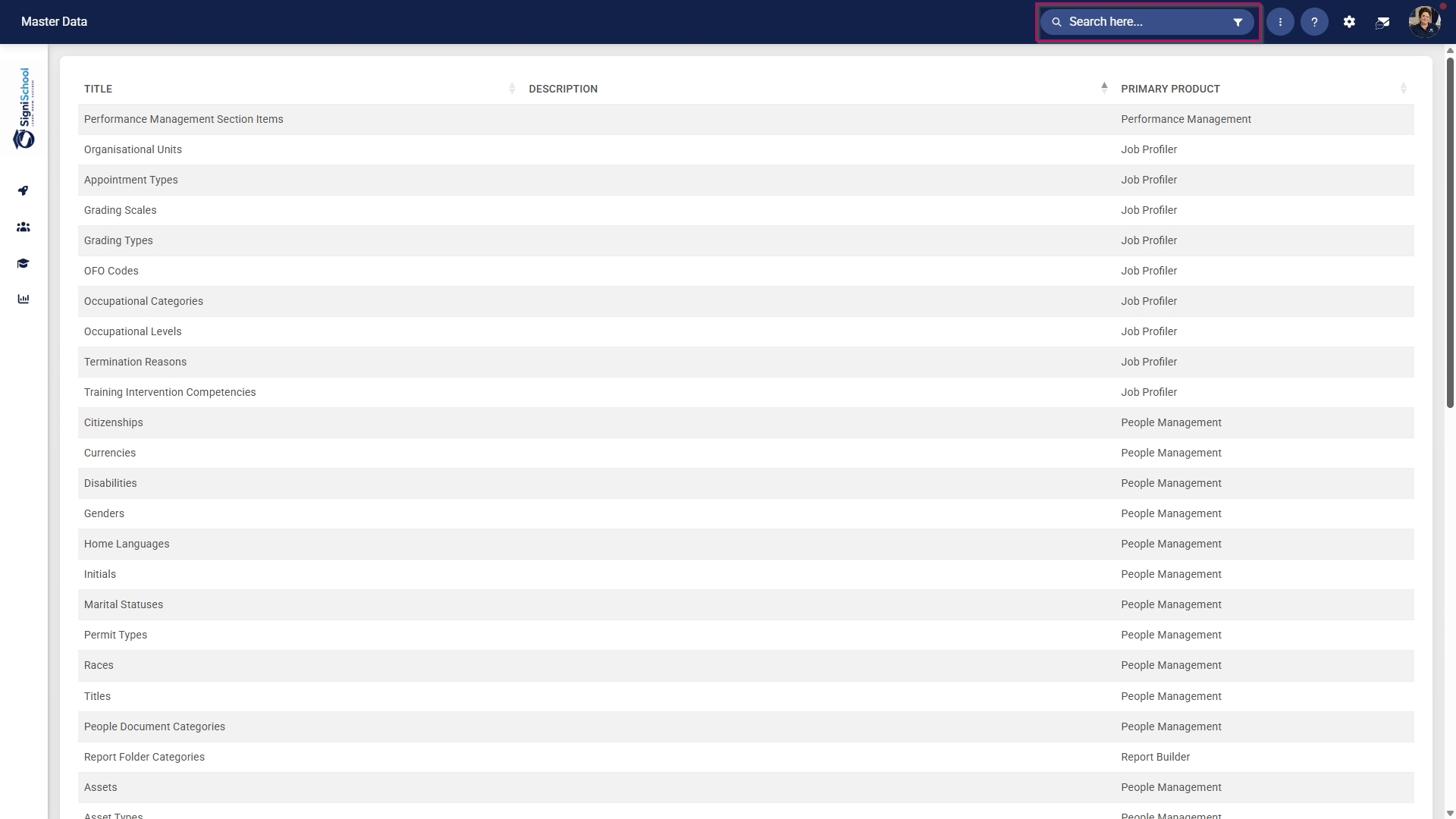
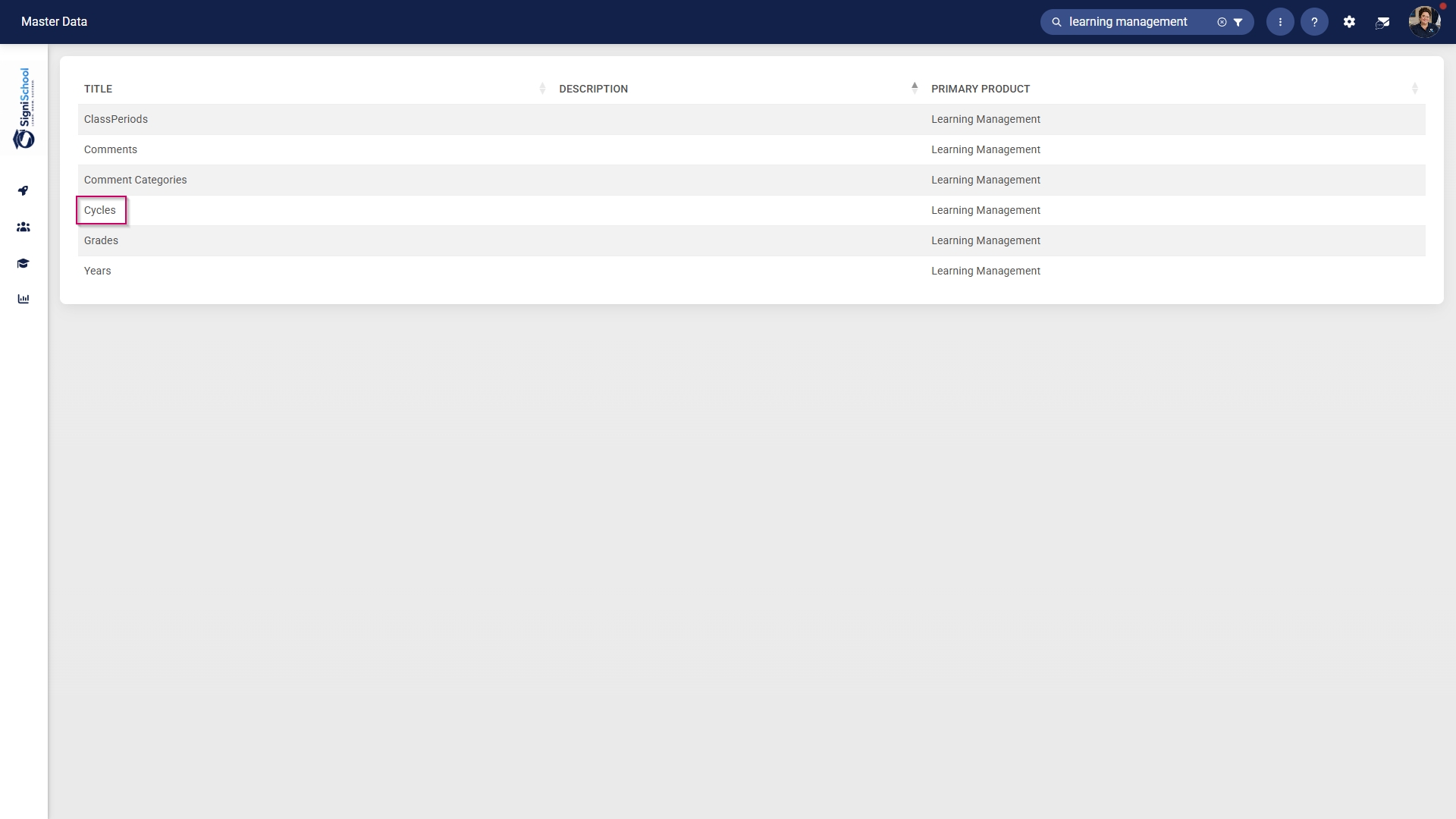
The Master Data Library lists the categories for which administrators can create master data. Use the search bar at the top of the screen to filter the search results by Learning Management.
Click on the Cycles category to continue.
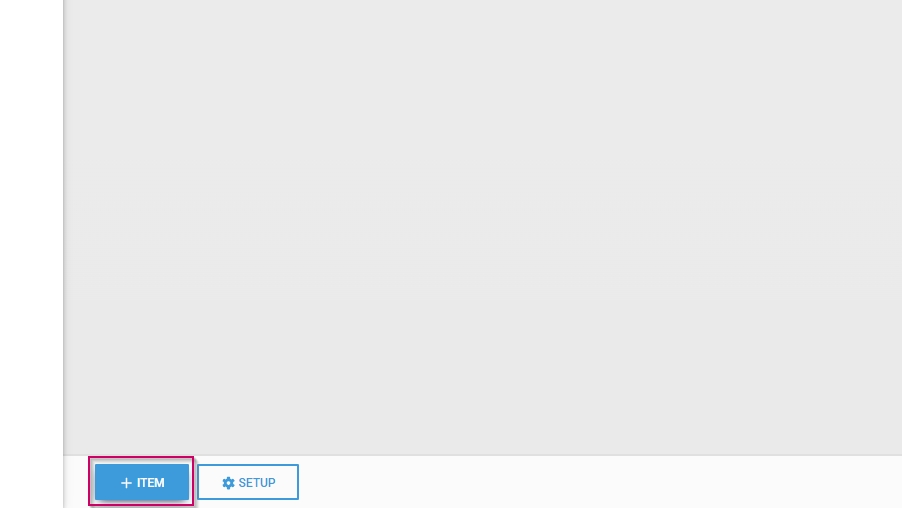
To add a new master data item, click on +ITEM.
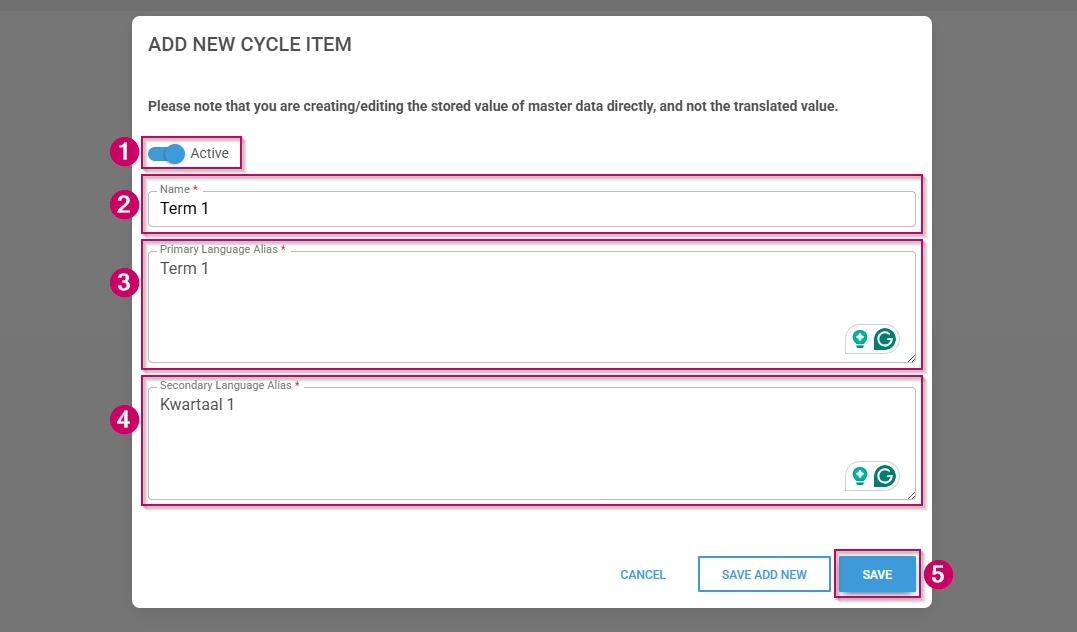
Click the toggle button to set the cycle's status to Active.
Enter a name for the cycle.
Enter an alias for the cycle in the primary language.
Enter an alias for the cycle in the secondary language.
Click SAVE when you are finished, SAVE ADD NEW to add another master data item or click CANCEL to discard your edits.
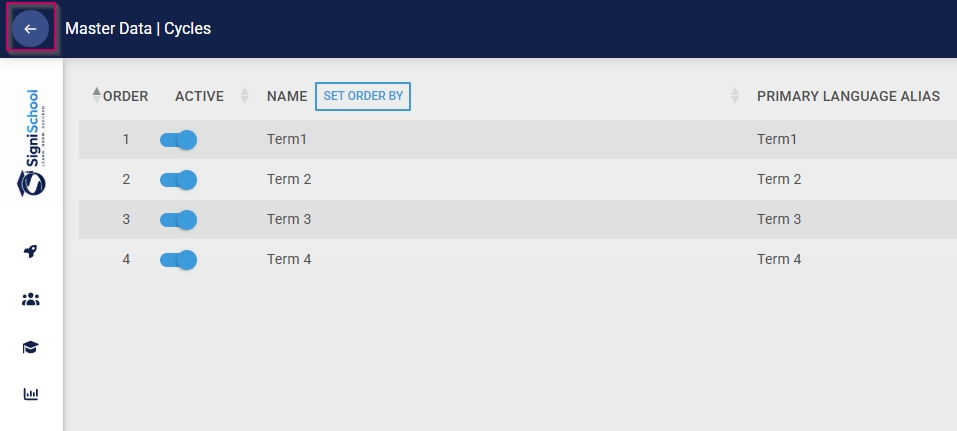
Click the back arrow to navigate back to the Master Data Library once you are finished.