Creating a Performance Agreement

Before you start:
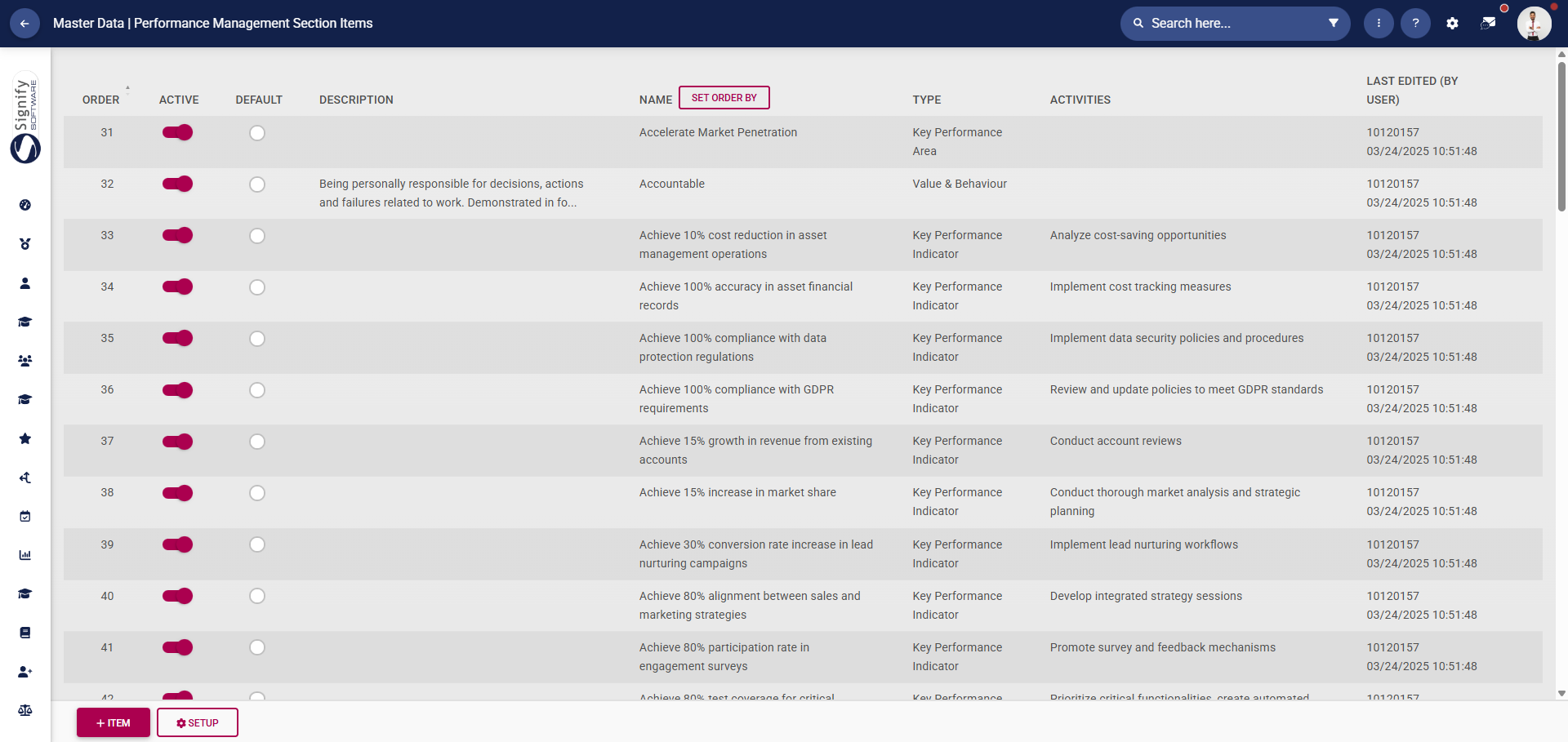
Consider populating the Master Data Library with performance management items, which can streamline the performance management process. These library items include:
Perspectives
Key Performance Areas
Key Performance Indicators
Leadership Behaviours
Values and Behaviours
Key Competencies
Click here to find out how to create and update the Master Data Library.
Ensure you have a clear understanding of the employee's responsibilities, the company's goals, and how the role fits into the overall picture.
Base the performance objectives on SMART goals. Each objective should be:
Specific
Measurable
Achievable
Relevant
Time-bound
Ensure the goals support the department or organisation's priorities.
Select clear performance indicators.
Finally, employees are more likely to commit to the process if they have input in setting their goals, so consider engaging in a two-way discussion.
Key elements to include:
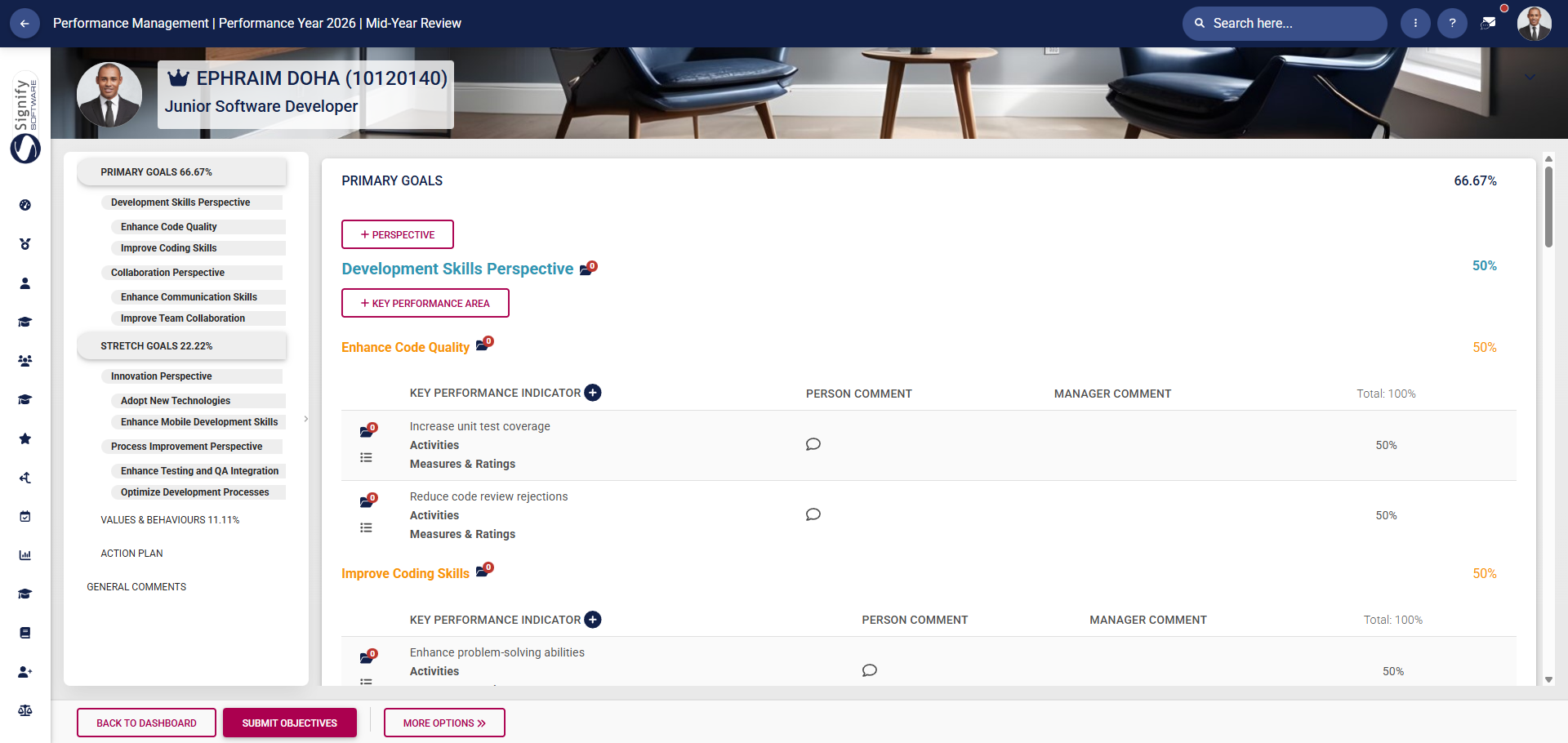
Performance goals and objectives
These should be aligned with organisational priorities.
Keep the language simple and clear.
Avoid making goals too broad or unrealistic.
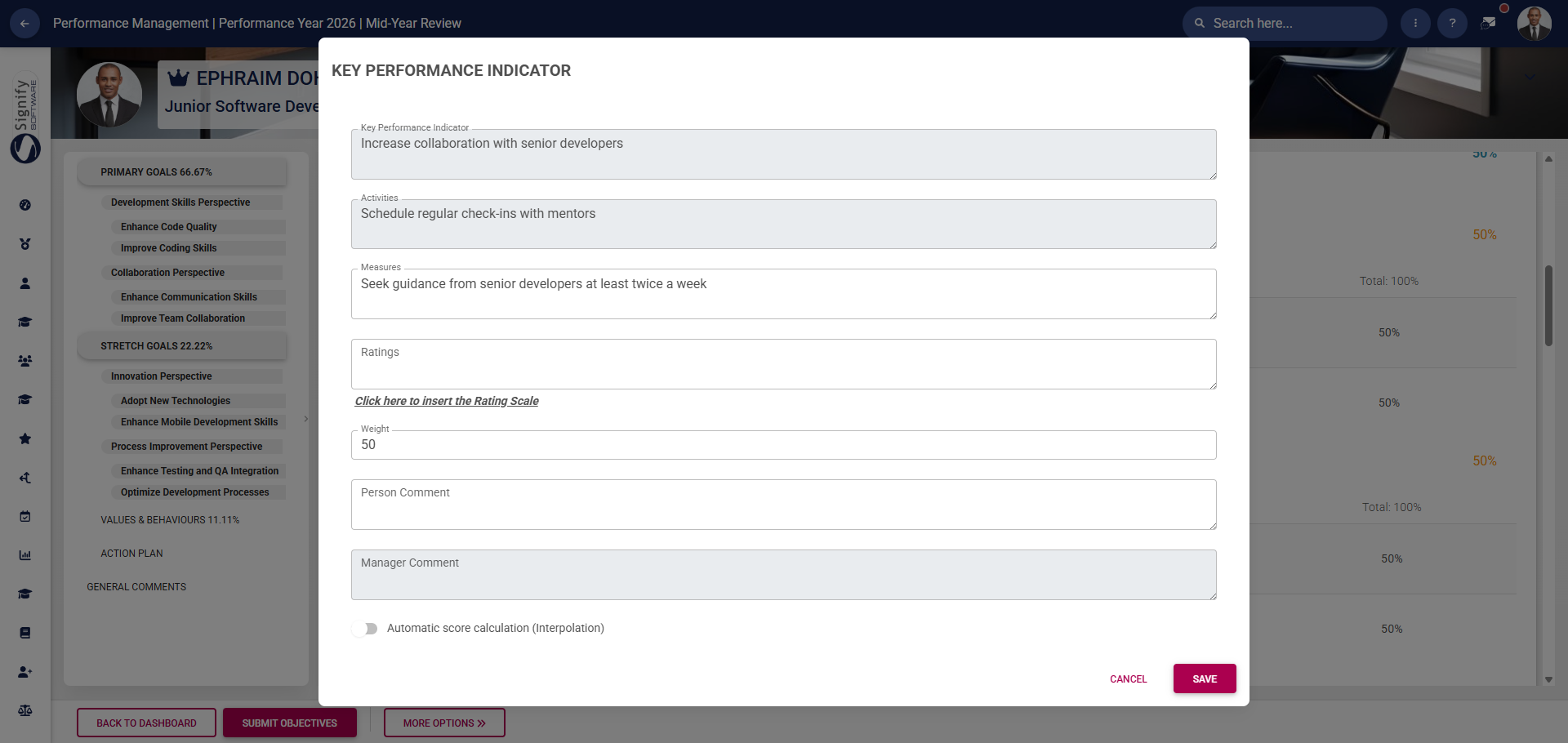
Key Performance Indicators (KPIs)
Select quantitative and qualitative indicators for each objective.
Focus on the most impactful goals to avoid overloading the agreement.
The employee's input is vital when setting targets.
Behavioural expectations
Include company values, as well as expected behaviours in teamwork, leadership, or communication.
Employee support
Consider the tools, resources, or support from management that the employee may need to succeed.
Acknowledge that priorities may shift and that agreements should be revisited if needed.
Think about the employee's development and their future potential.
Review process and frequency
Define how and when progress will be evaluated.
Incorporate feedback loops that enable feedback to flow from the manager to the employee and vice versa.

Create a performance agreement:
The following section will guide you through creating a performance agreement. The guide assumes you do not have an existing agreement for the current performance cycle and that you wish to create one.
- Begin by navigating to the Performance Management dashboard.
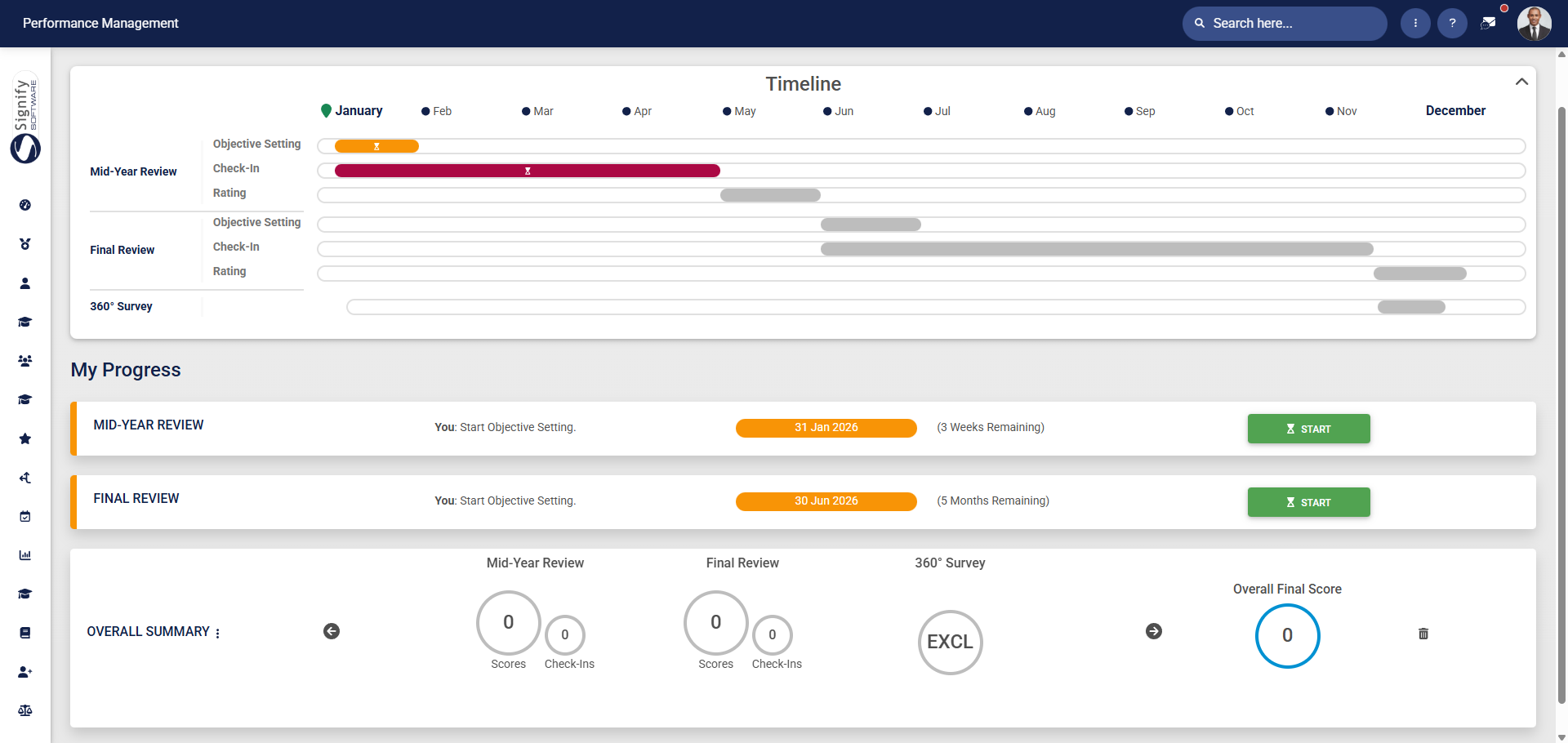
- Click START to create a new performance agreement.

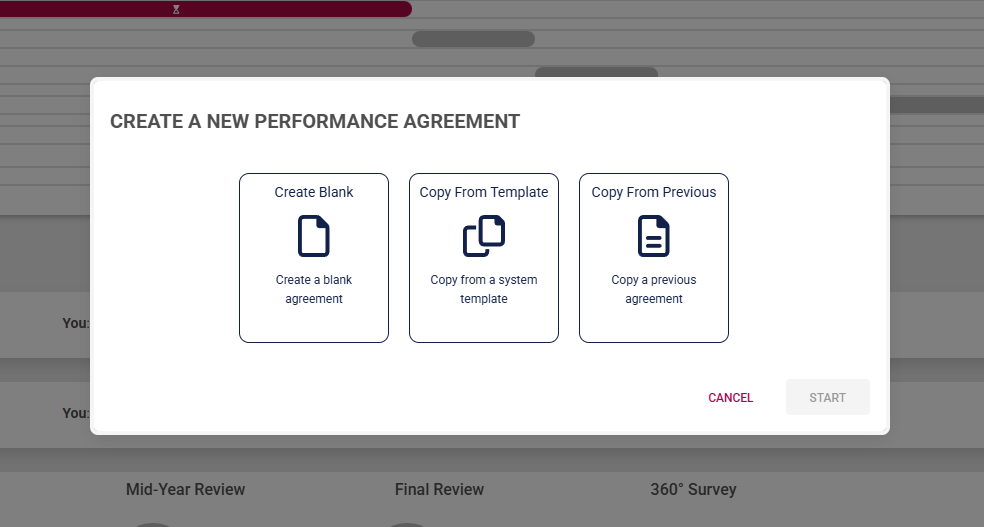
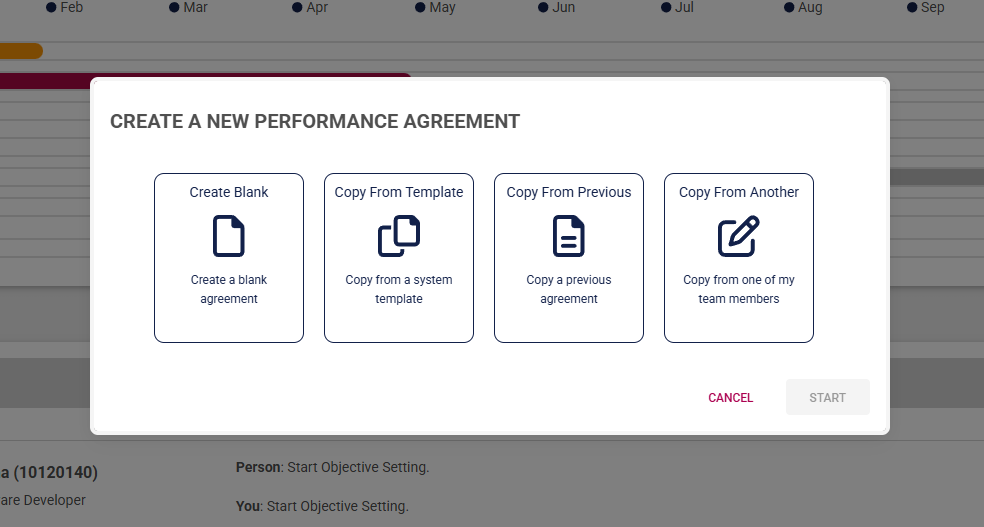
- Managers are offered an additional option to create a performance agreement for a reportee using a template from another team member.
Click on the following tabs to expand the step-by-step instructions.
Create a blank agreement
Use a performance agreement template
Copy from a previous agreement
Copy an agreement from another employee

Your feedback matters! How helpful was the support content?



