
Creating a Performance Agreement


The following section will guide you through creating a performance agreement. The guide assumes you do not have an existing agreement for the current performance cycle and that you wish to create one.
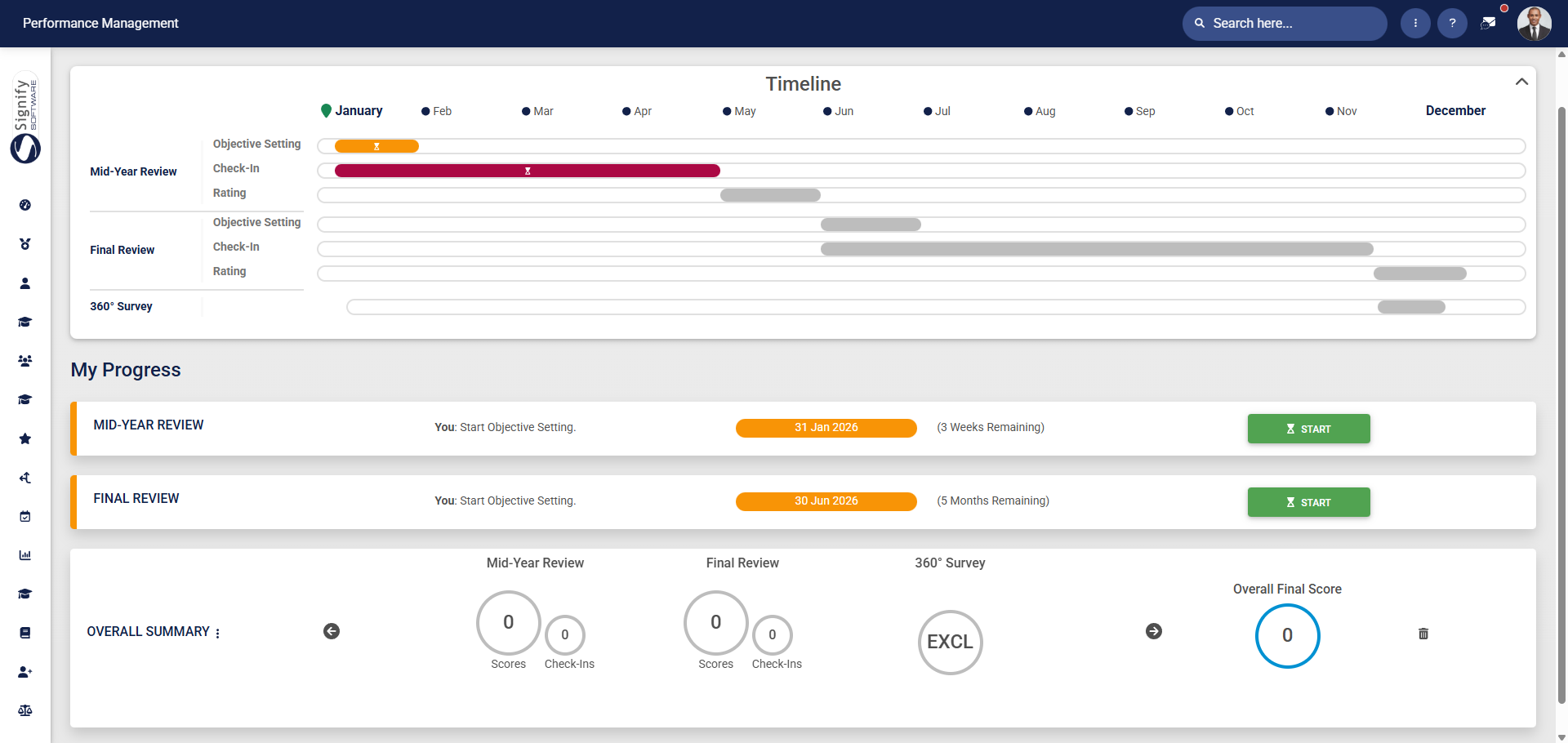
- Click START to create a new performance agreement.

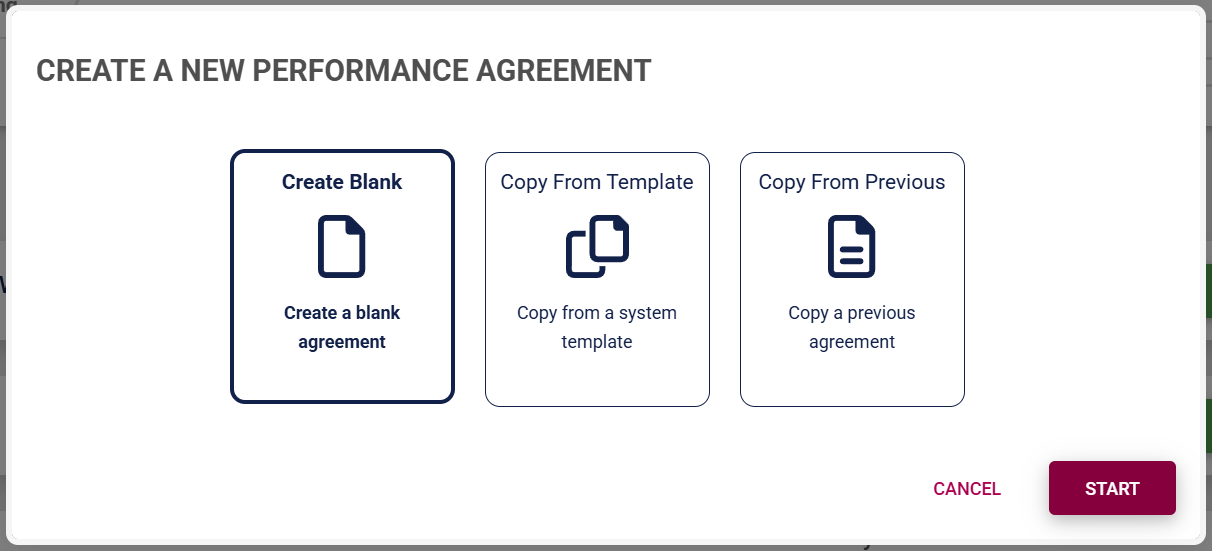
- The Performance Management module allows a performance agreement to be created in three ways for employees.
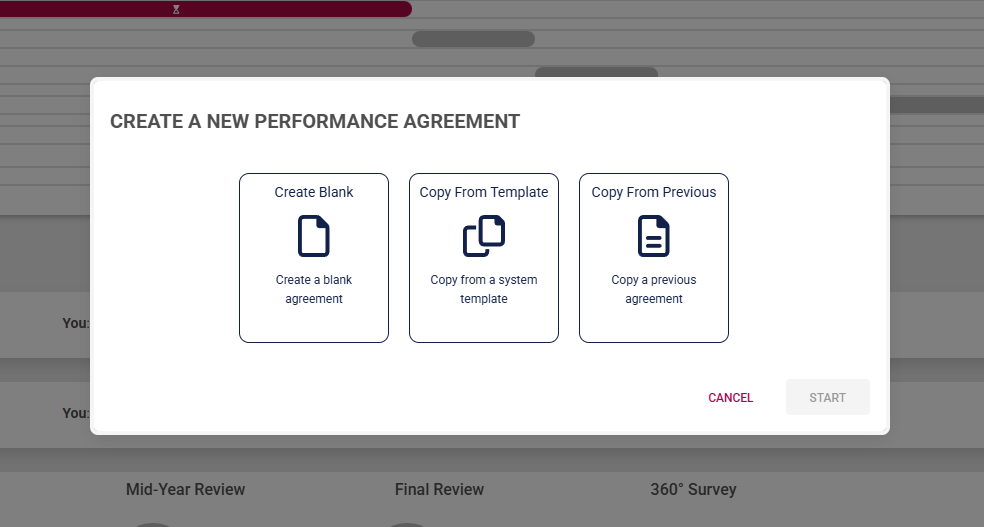
- Managers are offered an additional option to create a performance agreement for a reportee using a template from another team member.
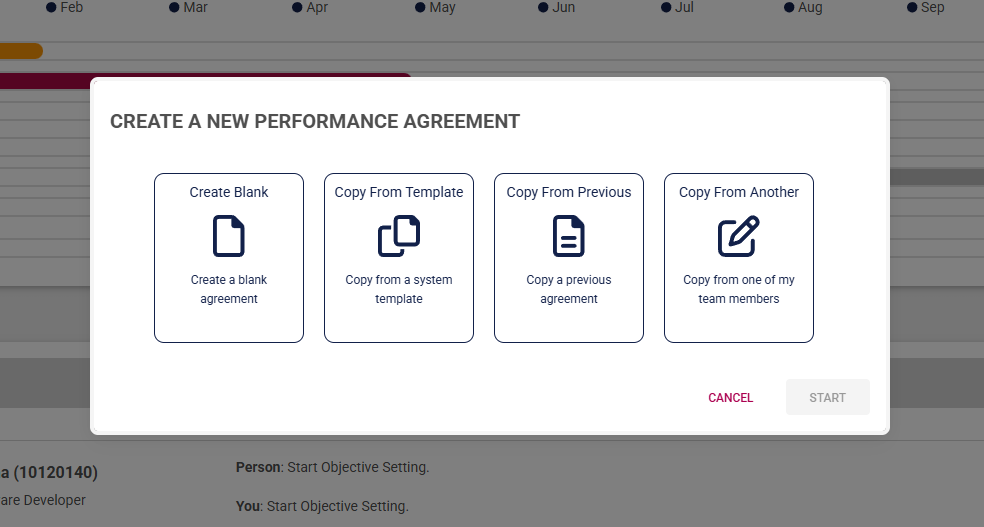
Click on the following tabs to expand the step-by-step instructions.
Create a blank agreement
- Click Create Blank to start creating a performance agreement from the beginning.
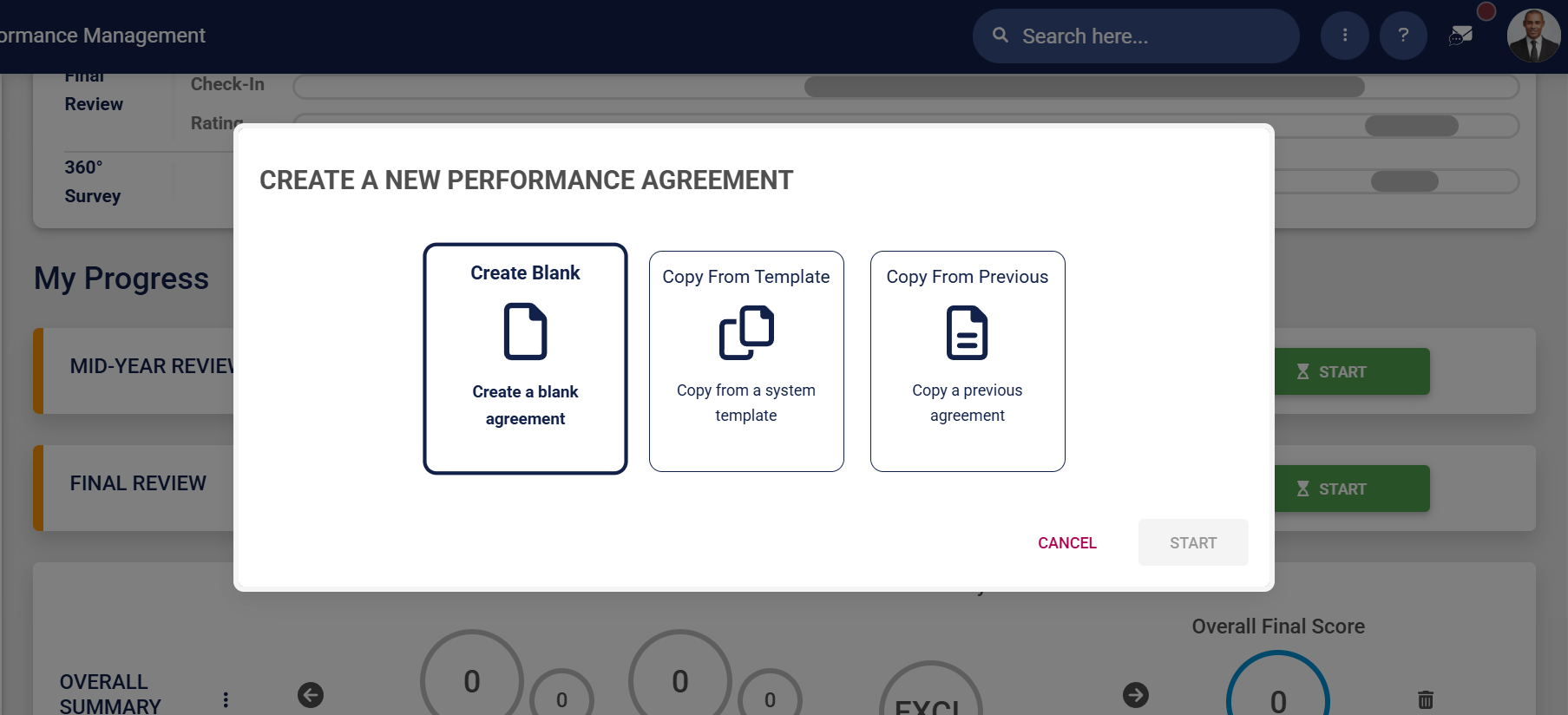
- Click START.
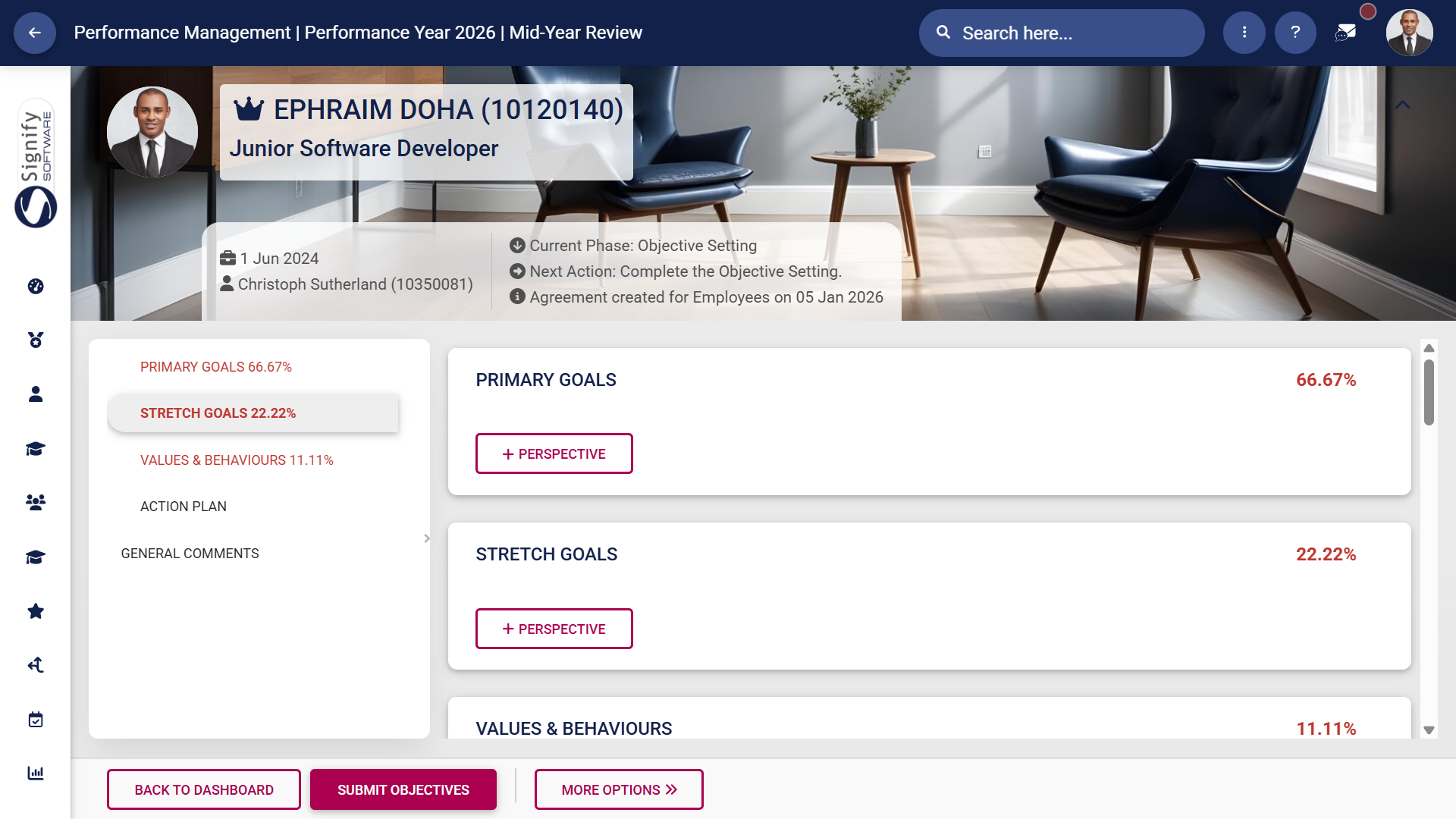
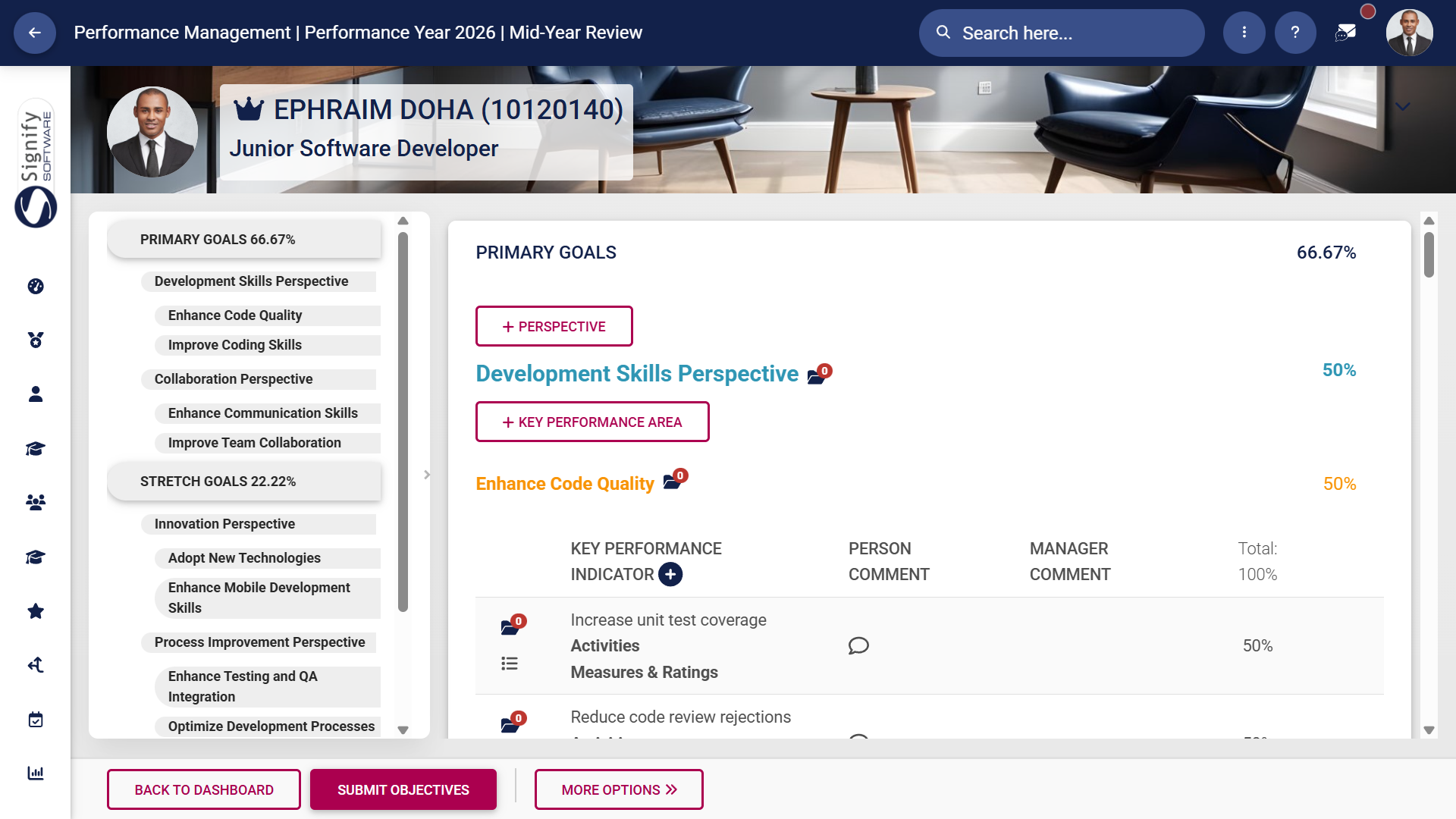
- The performance agreement screen will display, showing the different sections, though it won't include any objectives at this stage. Adding objectives is covered in the next section.
Use a performance agreement template
- Click Copy From Template to create a performance agreement based on a system template.
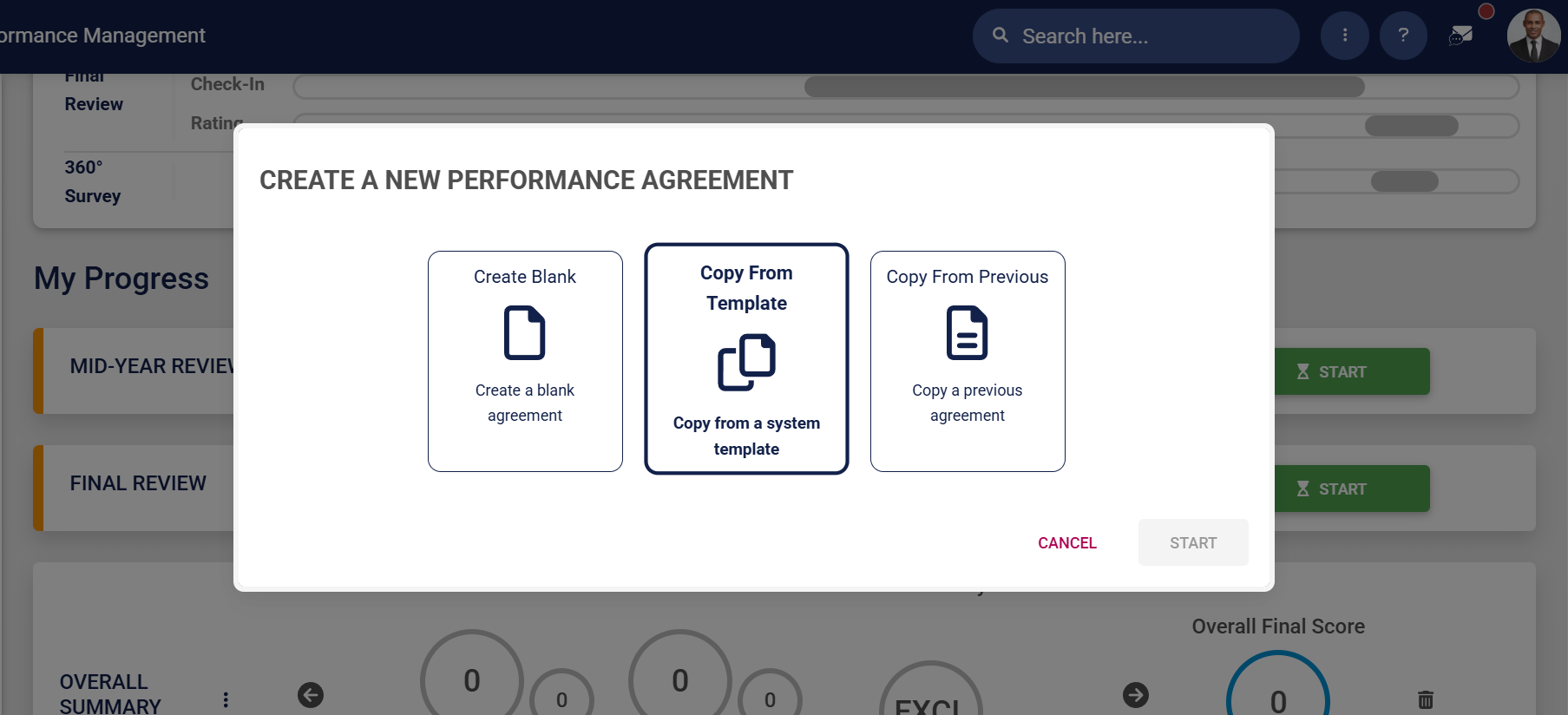
- Click START.
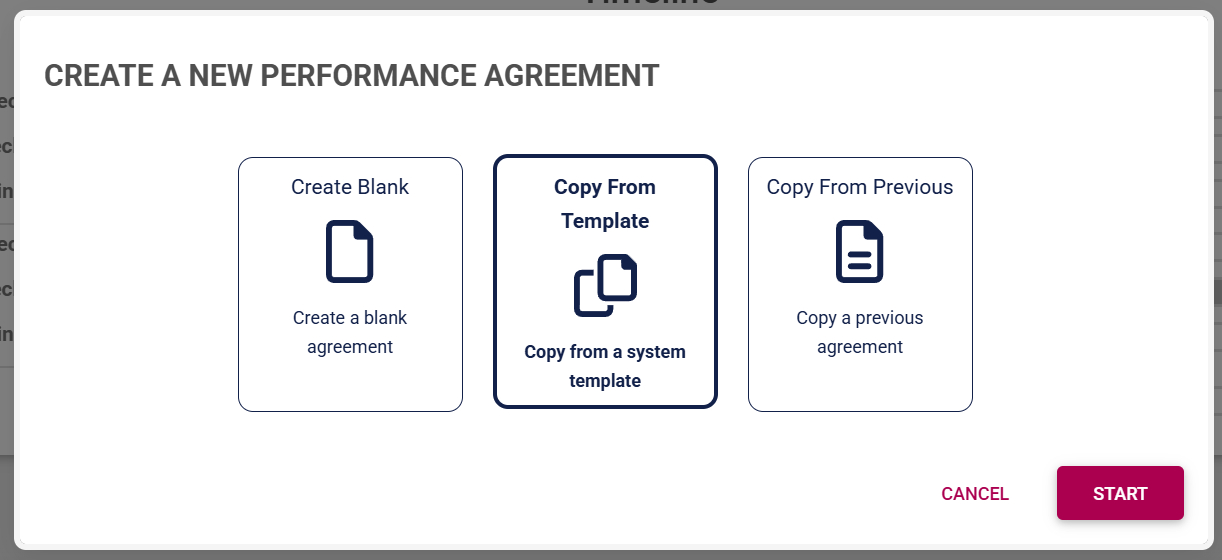
- A list of the templates currently on the system will be shown.
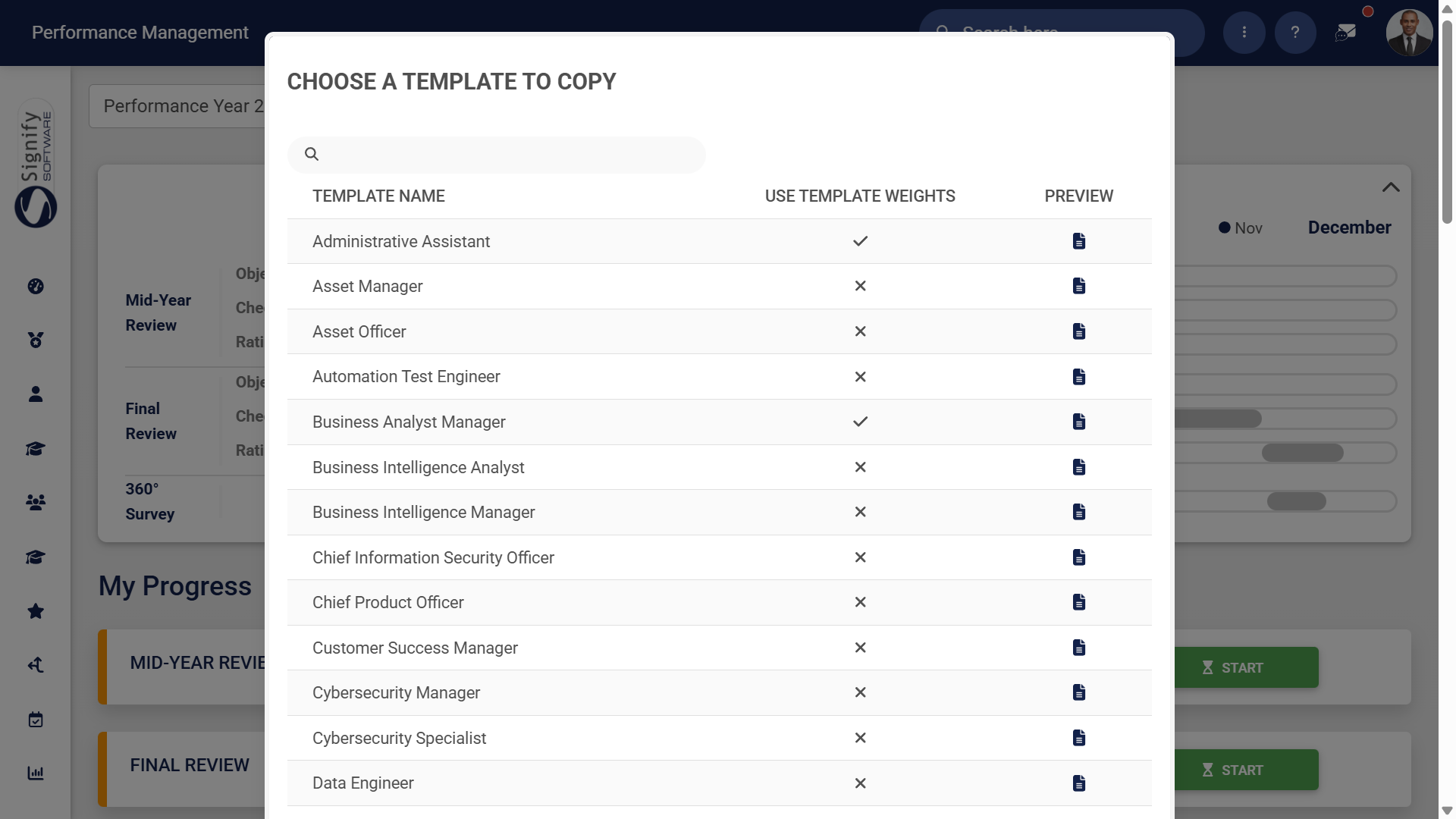
-
-
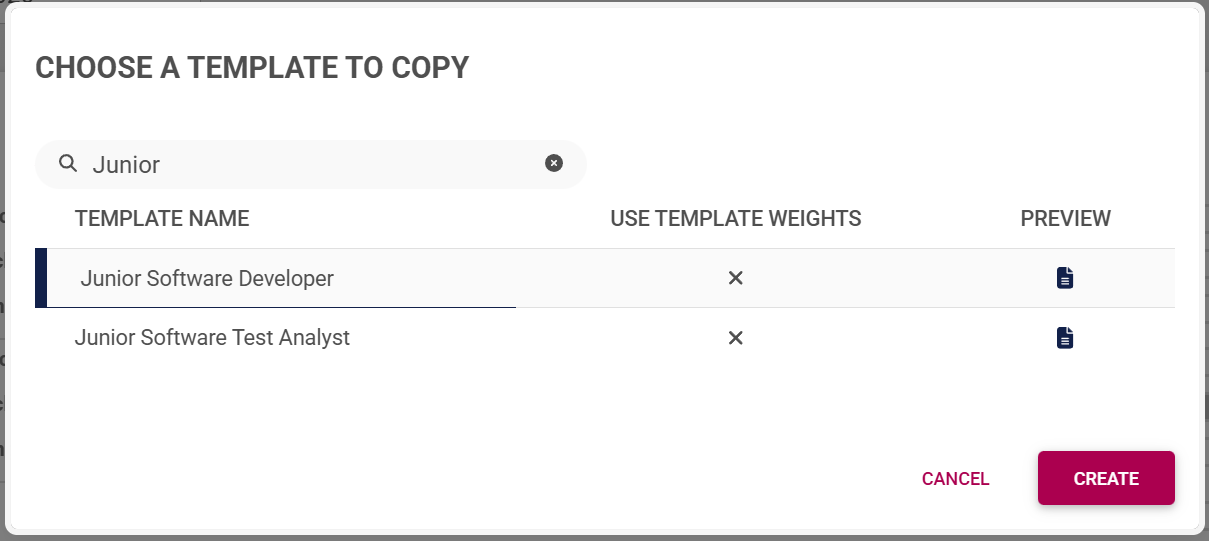
- Use the search bar to search for a template based on a job title or specific keywords.
-
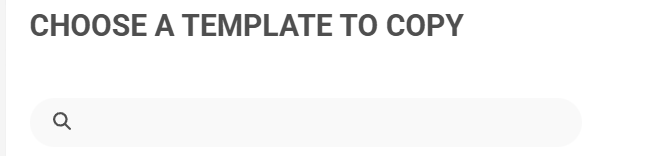
-
-
- If the template has been set up to override the review setup's weights and use the template's weights, a tick will be displayed.
-

-
-
- To ensure you select the correct template, you can preview it by clicking the icon. The preview will open in a new tab.
-
- Choose a template you would like to copy, then click CREATE.
- The performance agreement screen will display, with the Perspective, Key Performance Area, and Key Performance Indicator fields filled in from the template.
Copy from a previous agreement
Copy an agreement from another employee (Managers only!)
