Version 9.1.46
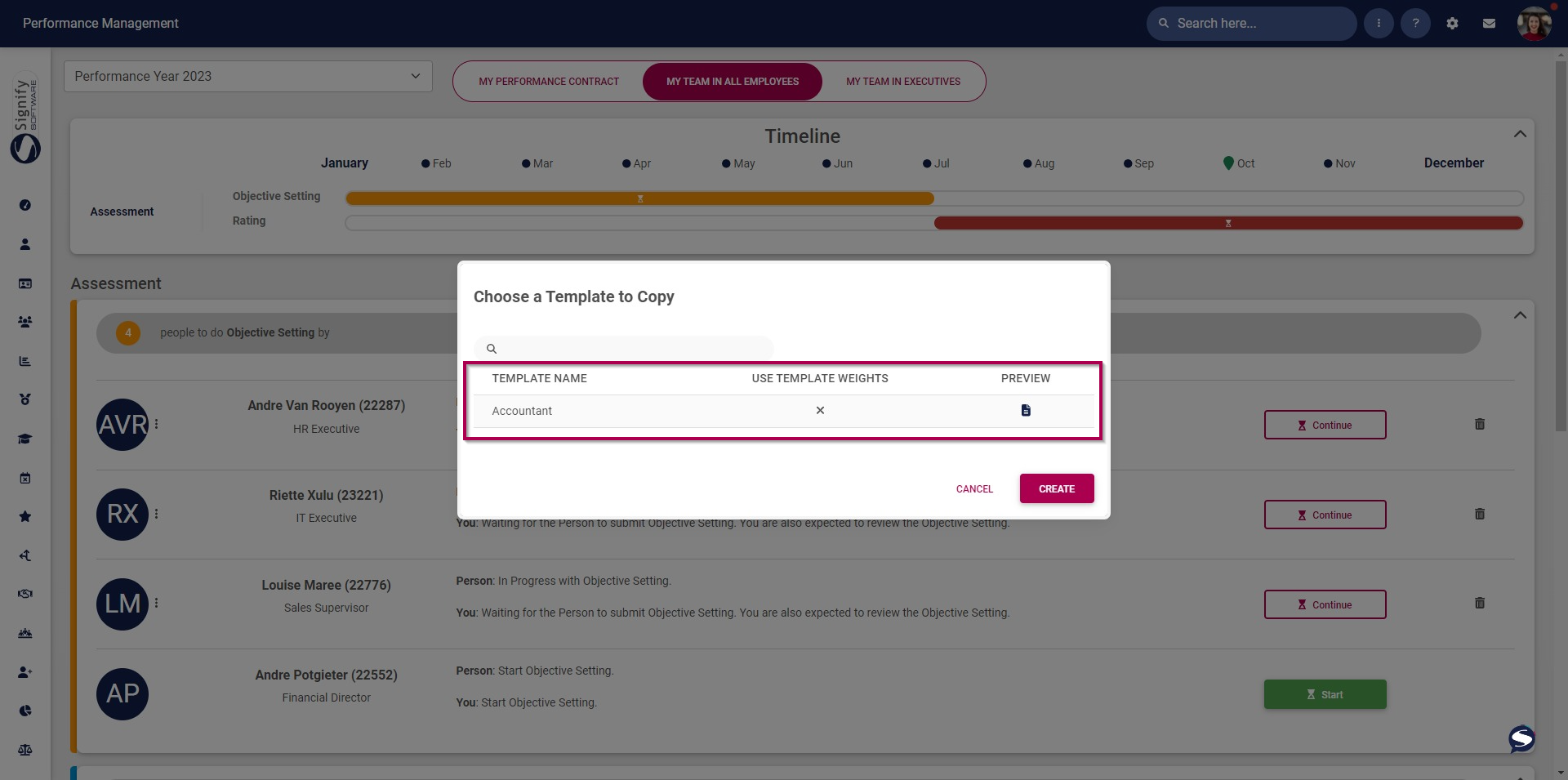
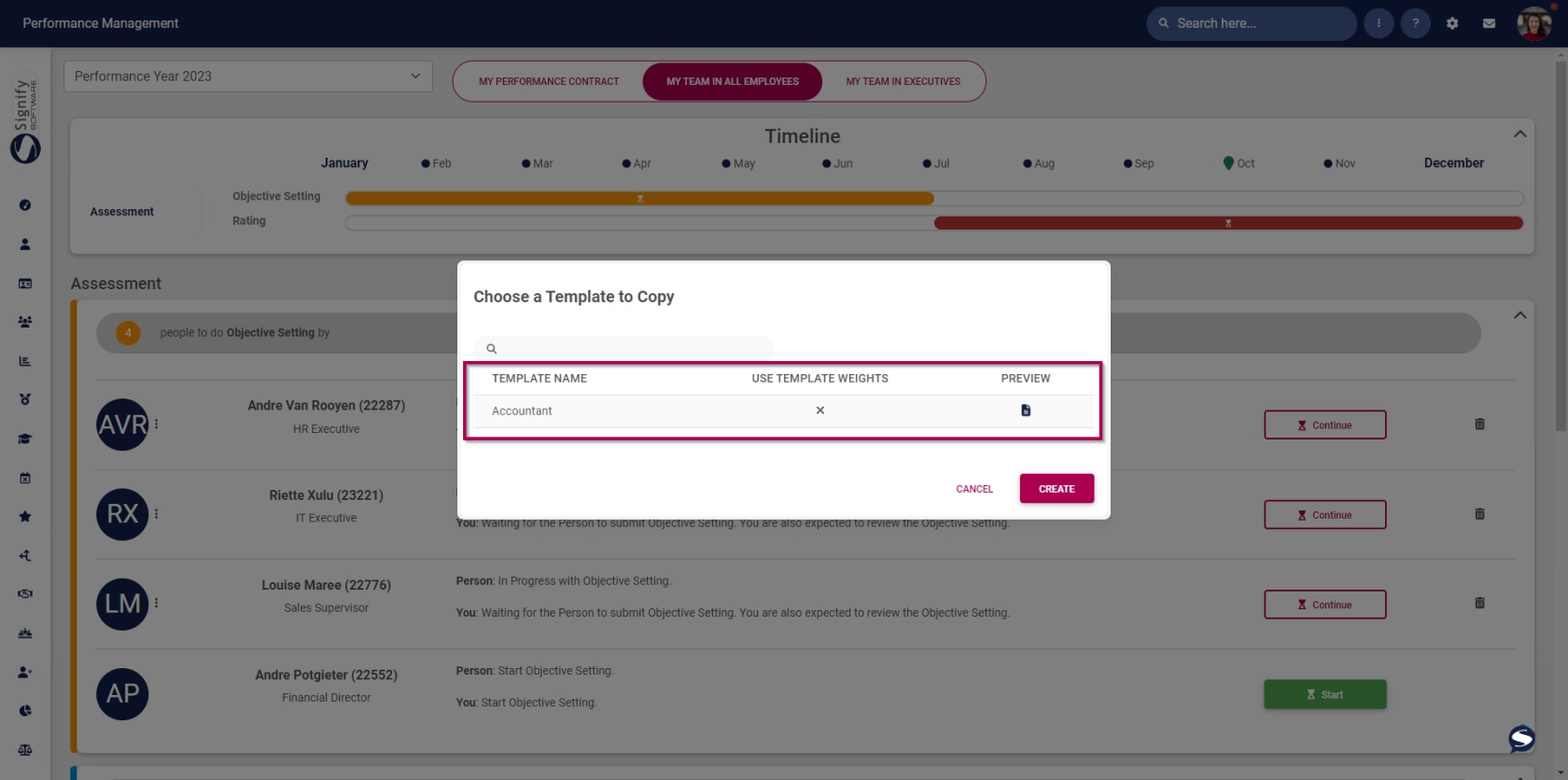
Only published templates to be available when creating an agreement (#109118)
A filter has been added to only show templates that have been published when copying from a template to create an agreement.
System Access
Allow ID Numbers with alphanumeric characters (#109010)
Removed the validation on the Forgot Password page to allow alphanumerical characters when verifying the ID Number.
Correct theme loading on Reset Password page (#108985)
When resetting the password, the correct theme is included in the Reset Password link on the notification that a person receives when opting to reset their password.
People Management
Increase ID Number field's max characters (#109130)
The maximum field length for the ID Number has been changed from 13 to 30 characters on the Personal Information screen.
People Groups (#105910)
Bug fixes has been made including:
- Implement permissions on the edit pages
Disable the ability to add a person when the active people group is not an Organisational Unit type People Group
Don't allow managing a person when not on the People Group tab
When adding a new person, they display on the list
Correct People Group Roles where the names should be unique
Resolved the Reset Password button when breaking
Reset the toggle on the Delete modal when deleting a People Group Role
Excluse already selected People Groups when linking a People Group
Send the Welcome Notification when adding a new person
Implement the functionality to create a default role with all permissions and linking the default People Group to the first Ruleset user
Resolve error when you add a new Role with the same name as a deleted item
Add focus on the People Group Role name when empty upon saving
Add a pointer on the table row when linking a People Group
Correct the People Group Roles on User Access, Appointments and Performance Management Menus
Add Employee Number field