Skip to main content
Configure Event Notifications

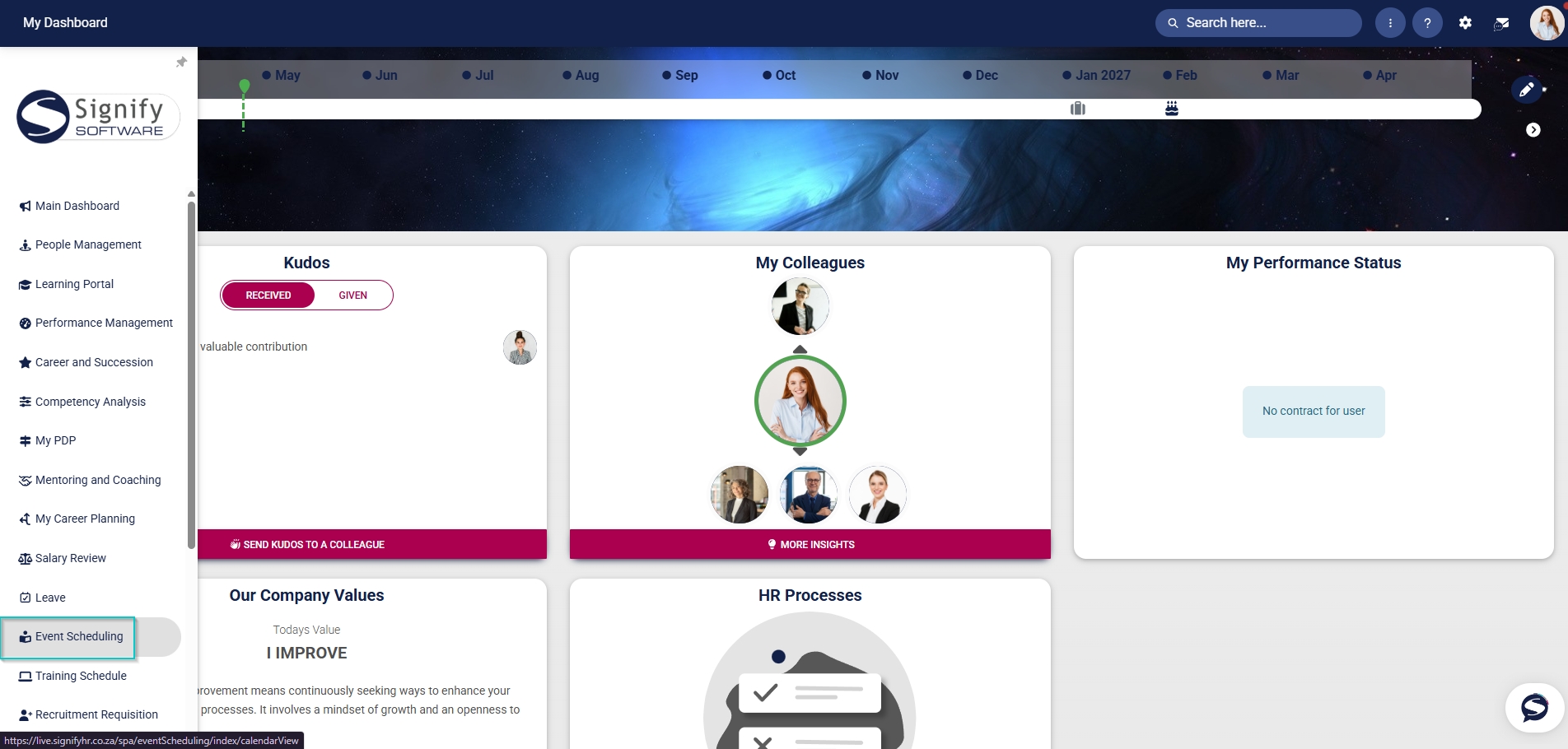
- Hover over the sidebar menu, then click Event Scheduling.
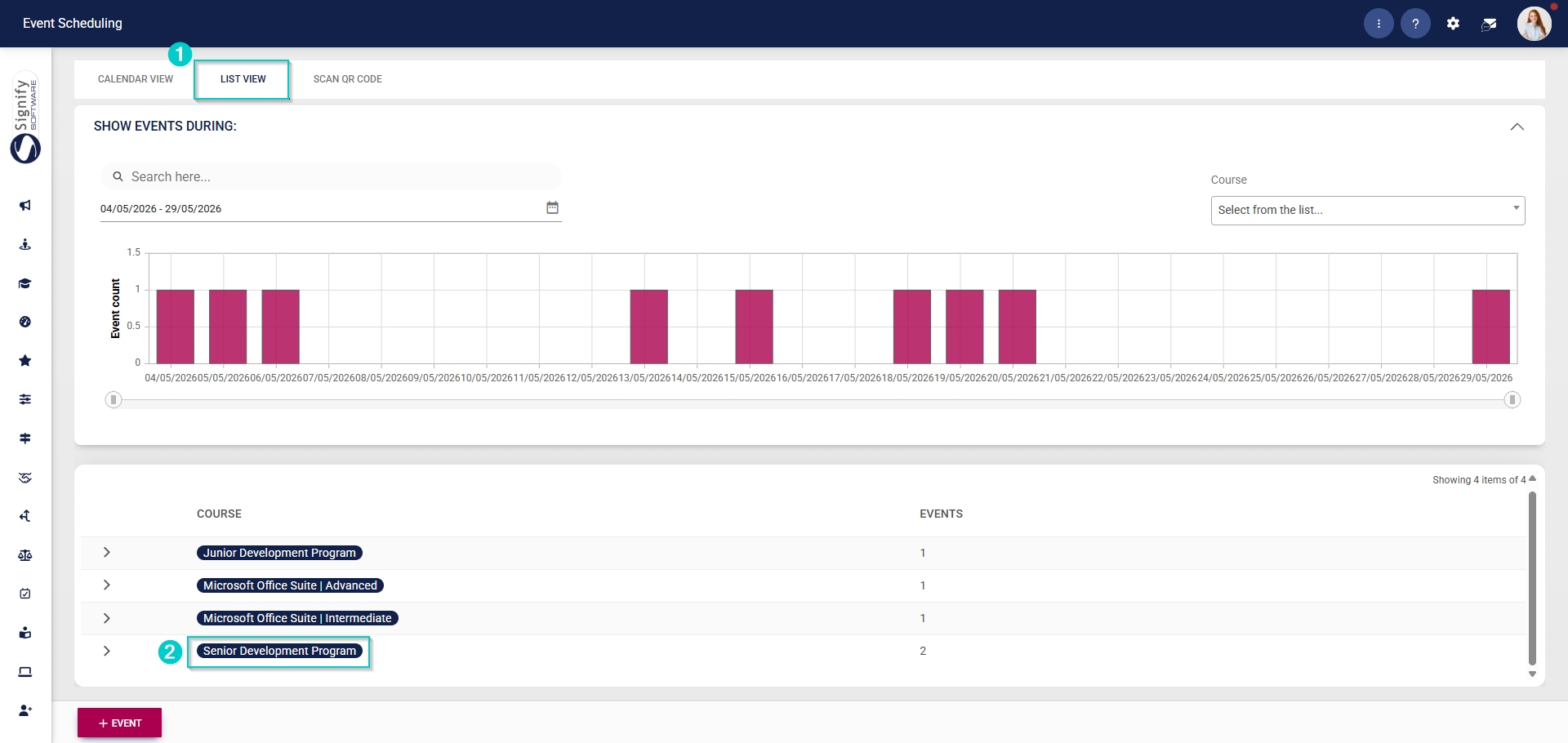
- Navigate to the List View tab and expand the course you would like to edit by clicking on its name.
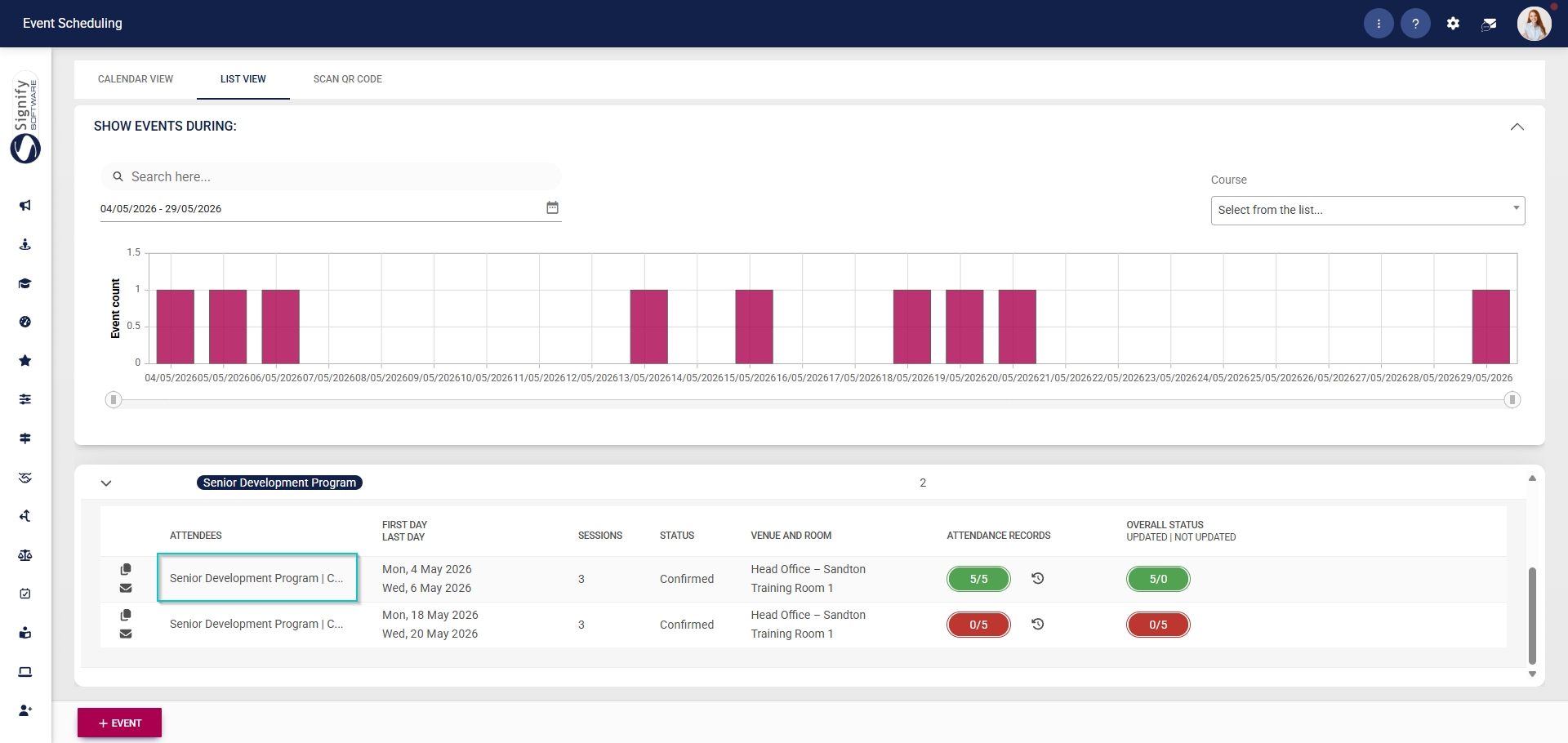
- Click on the name of the event you would like to edit.
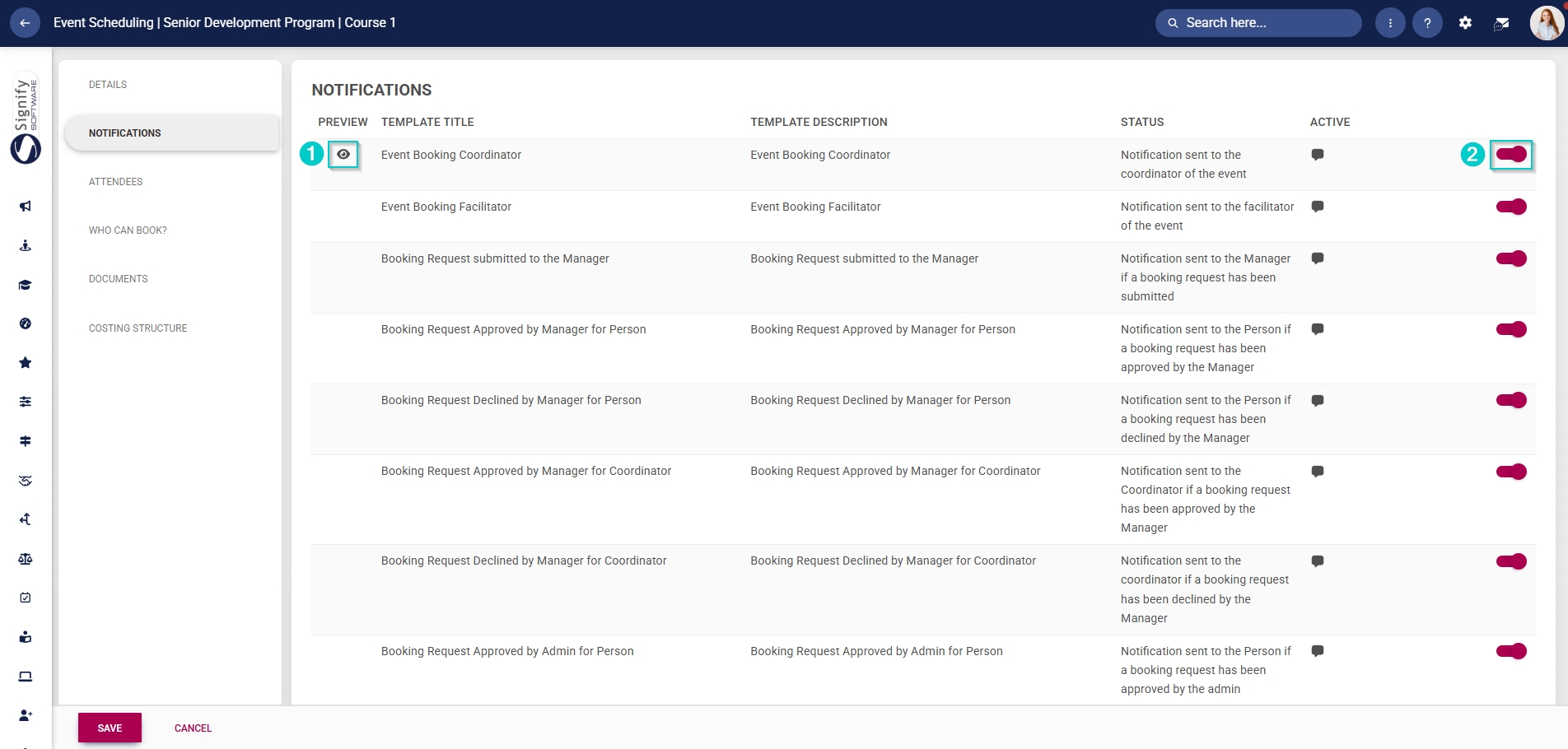
- In the left-hand menu, click Notifications.
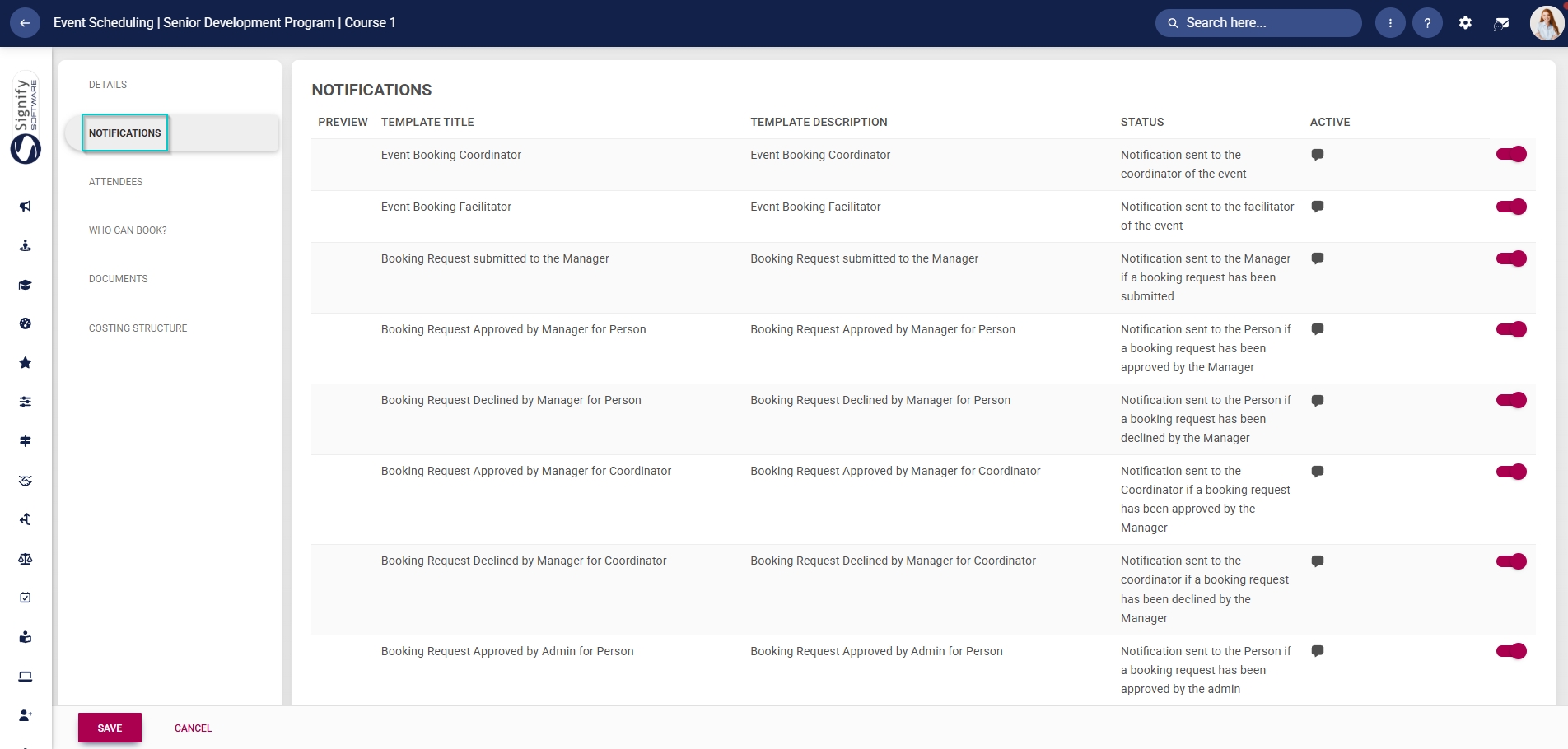
- Email templates linked to Event Scheduling will be listed in the table.
- Templates can be previewed by clicking the view icon.
- Click the toggle button to set the template’s status to Active.