Configure Who Can Book

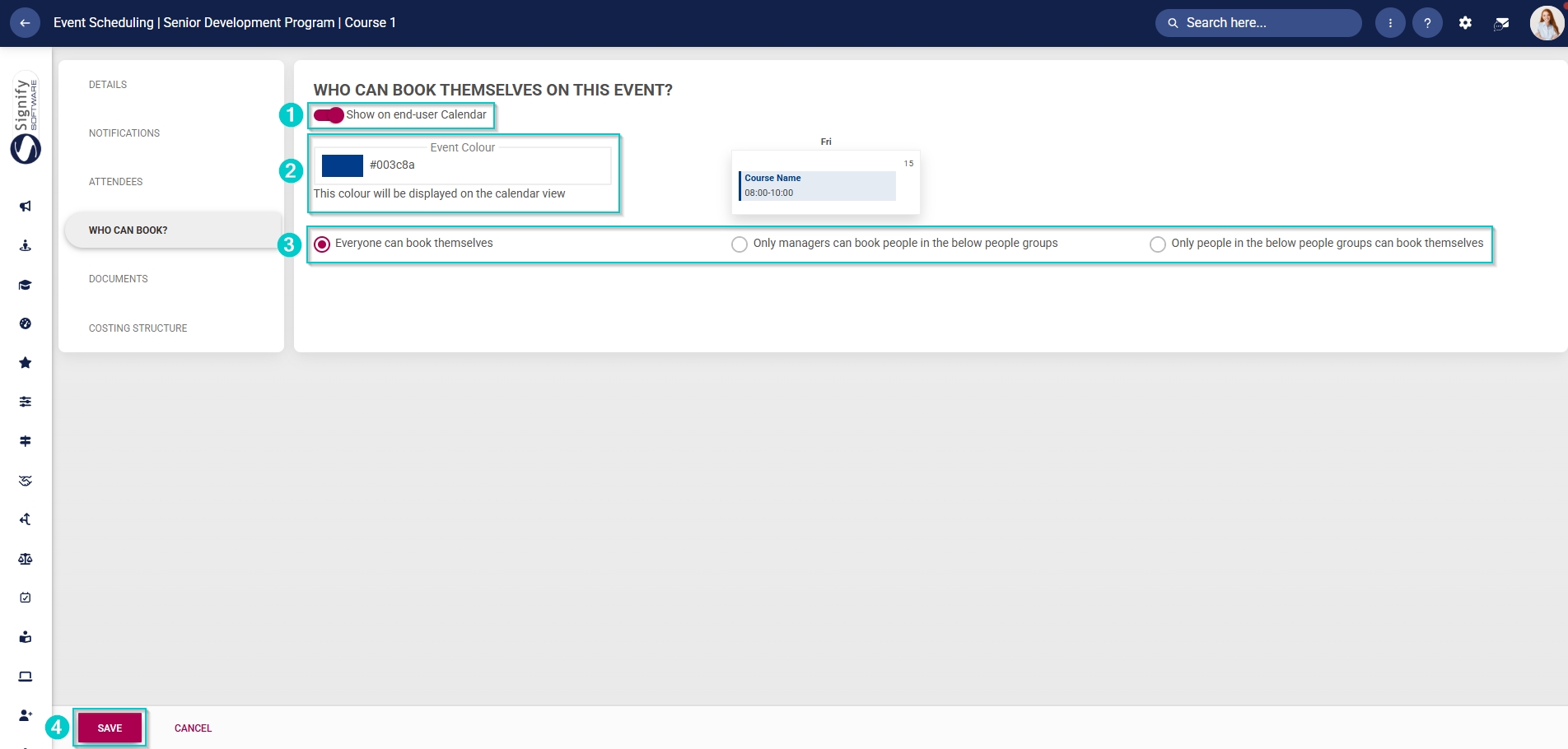
If the attendees selected for the event (in the previous step) are individuals, you can use the Who Can Book tab to configure employee self-service for bookings.
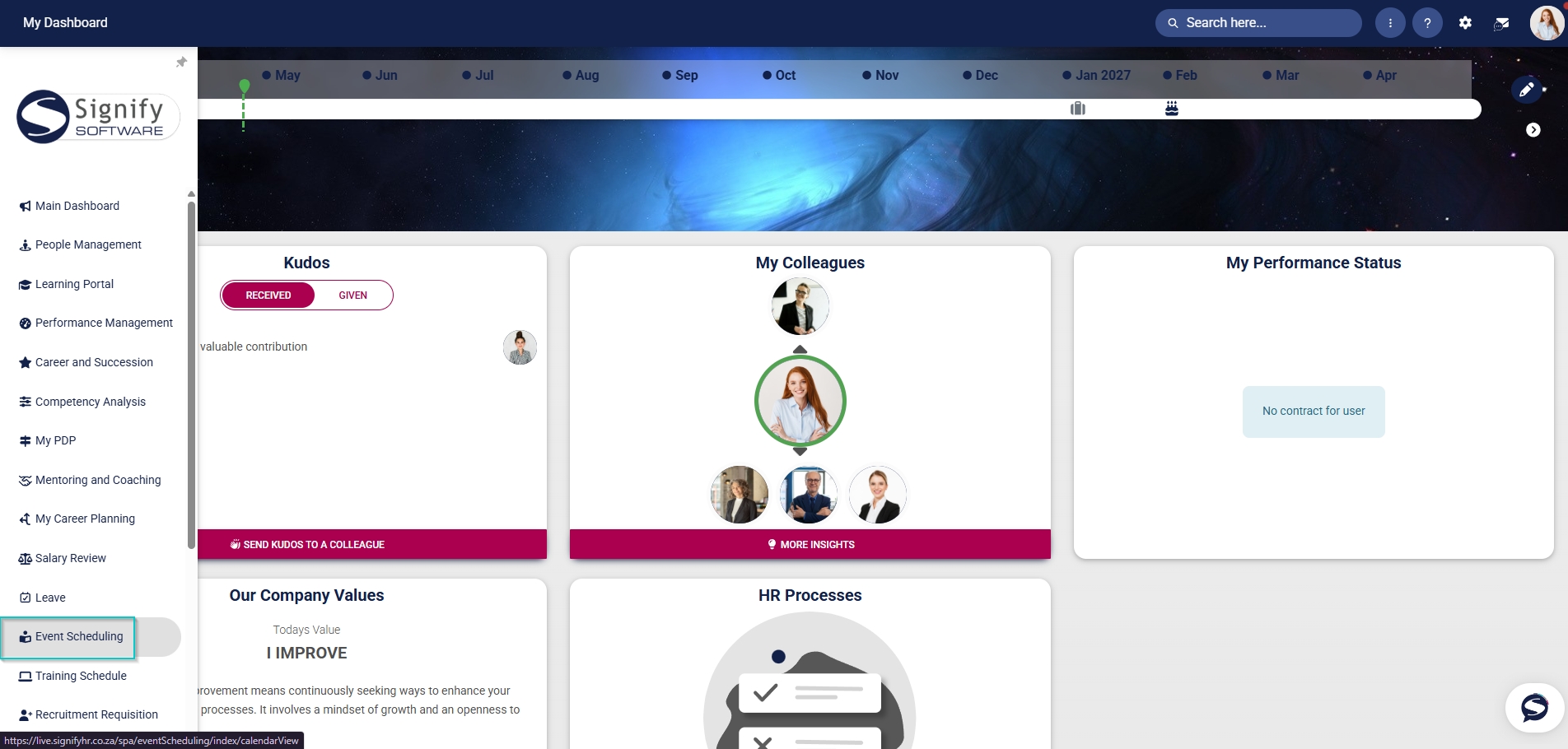
- Hover over the sidebar menu, then click Event Scheduling.
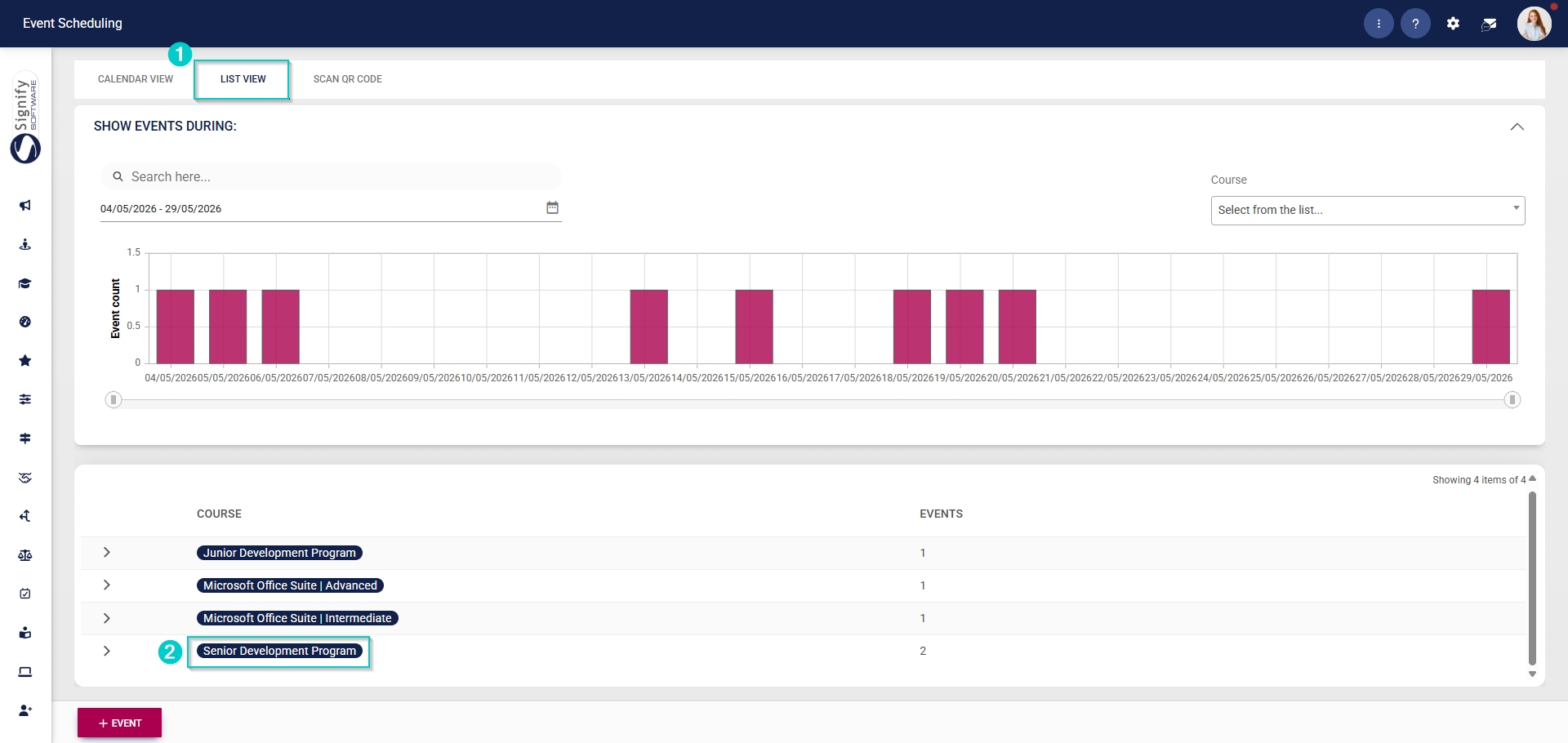
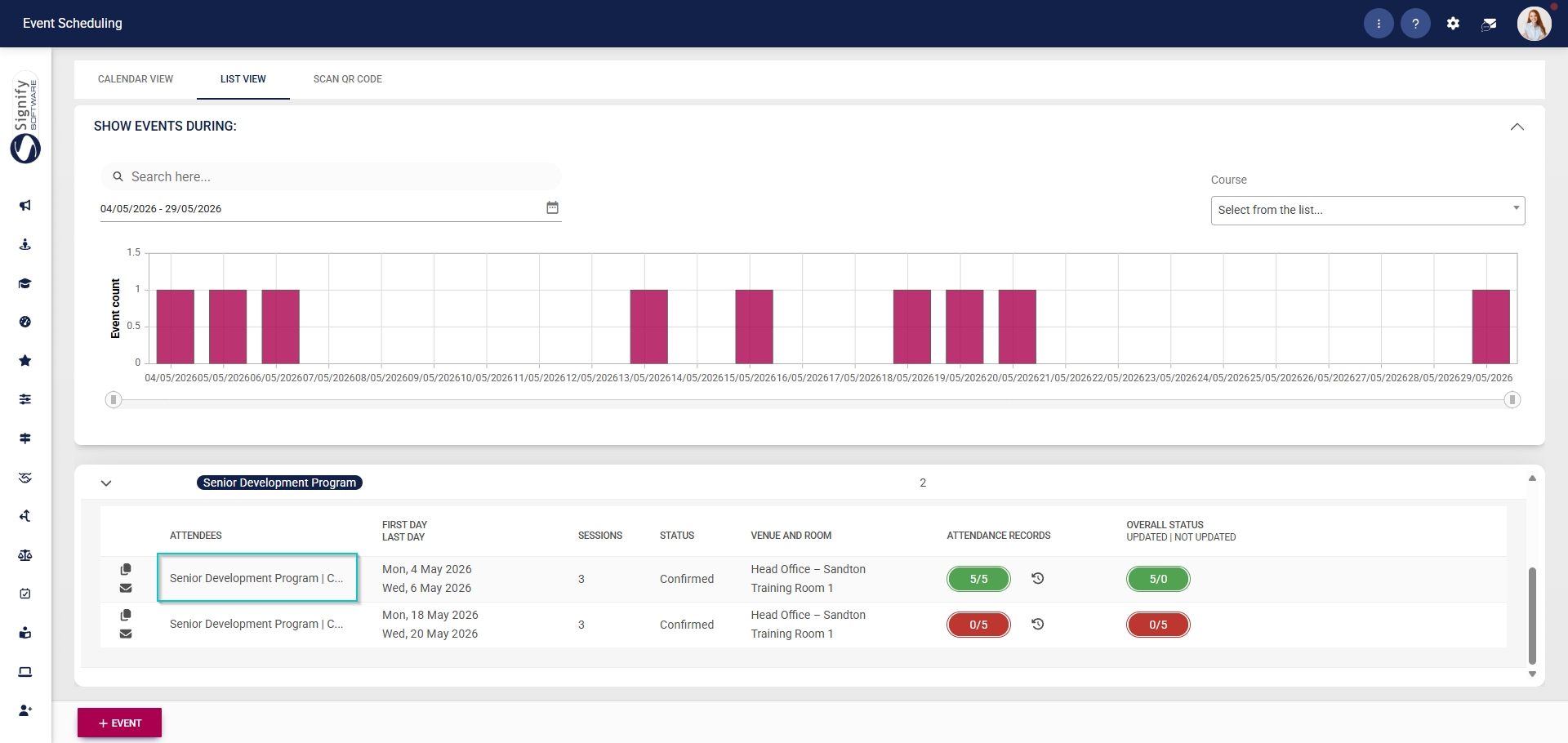
- Click on the name of the event you would like to edit.
- In the left-hand menu, click Who Can Book.
- Click the toggle button to set the status to display the event on end users’ calendars.
- Select a colour for this event.
- Use the radio buttons to choose who can book themselves on this event:
- Everyone can book themselves, or
- Managers can book from the people groups listed below, or
- People from the selected people groups can book themselves.
- Click SAVE when you are finished or click CANCEL to discard your edits.